Bridging assets from Ethereum to Base has become a pivotal process for users seeking lower fees and faster transaction speeds, all while leveraging the security of Ethereum’s mainnet. As of November 7,2025, Ethereum (ETH) is trading at $3,322.61, a figure that underscores the importance of managing every transaction with precision and cost-awareness. This guide will walk you through the most reliable ways to bridge ETH and ERC-20 tokens to Base, Coinbase’s Layer 2 network, using current tools and best practices.
Illustration of ETH being bridged from Ethereum mainnet to Base chain, symbolizing token transfer between networks

Why Move Assets to Base? Key Benefits in Today’s Market

The rapid adoption of Layer 2s like Base is driven by a combination of high gas costs on Ethereum and the need for scalable DeFi solutions. By bridging your ETH or tokens to Base, you gain access to:

  • Lower transaction fees than on mainnet
  • Faster settlement times, ideal for active traders or NFT minting
  • Seamless access to new dApps building exclusively on Base
  • The security guarantees of Ethereum’s L1 for your bridged assets

This migration is not just about cost savings; it’s about positioning yourself at the forefront of emerging ecosystems.

Preparing Your Wallet: The Foundation for Secure Bridging

The first step in any bridging operation is wallet preparation. MetaMask remains the industry standard due to its flexibility and broad support:

  • Install MetaMask: Download the browser extension or mobile app if you haven’t already.
  • Add ETH funds: Ensure your wallet contains enough ETH both for bridging (the amount you wish to transfer) and gas fees (which fluctuate with network demand).
  • Add Base Network:
    • The fastest way is via Chainlist. Connect your wallet, search for “Base, ” and add it with one click.
    • If you prefer manual setup:
      • Network Name: Base Mainnet
      • New RPC URL: https://mainnet.base.org
      • Chain ID: 8453
      • Currency Symbol: ETH
      • Block Explorer URL: https://basescan.org

This preparation phase is non-negotiable: skipping these steps can lead to failed transactions or even loss of funds.

Selecting a Bridge: Trusted Platforms in 2024-2025

Avoiding unreliable bridges is essential; use only reputable services with proven track records. The following platforms are widely recognized by both retail users and developers for their reliability when moving assets from Ethereum to Base:

  • Superbridge: Intuitive UI, supports multiple tokens including ETH.
  • ChainPort: Multi-chain support with robust security audits.
  • deBridge Finance: Known for fast settlements and transparent fee structures.

If you are bridging less common ERC-20s or want advanced features like batch transfers, check each platform’s documentation before proceeding. Remember that bridging times can range from a few minutes up to an hour depending on network congestion.

How to Bridge ETH from Ethereum to Base Using Superbridge
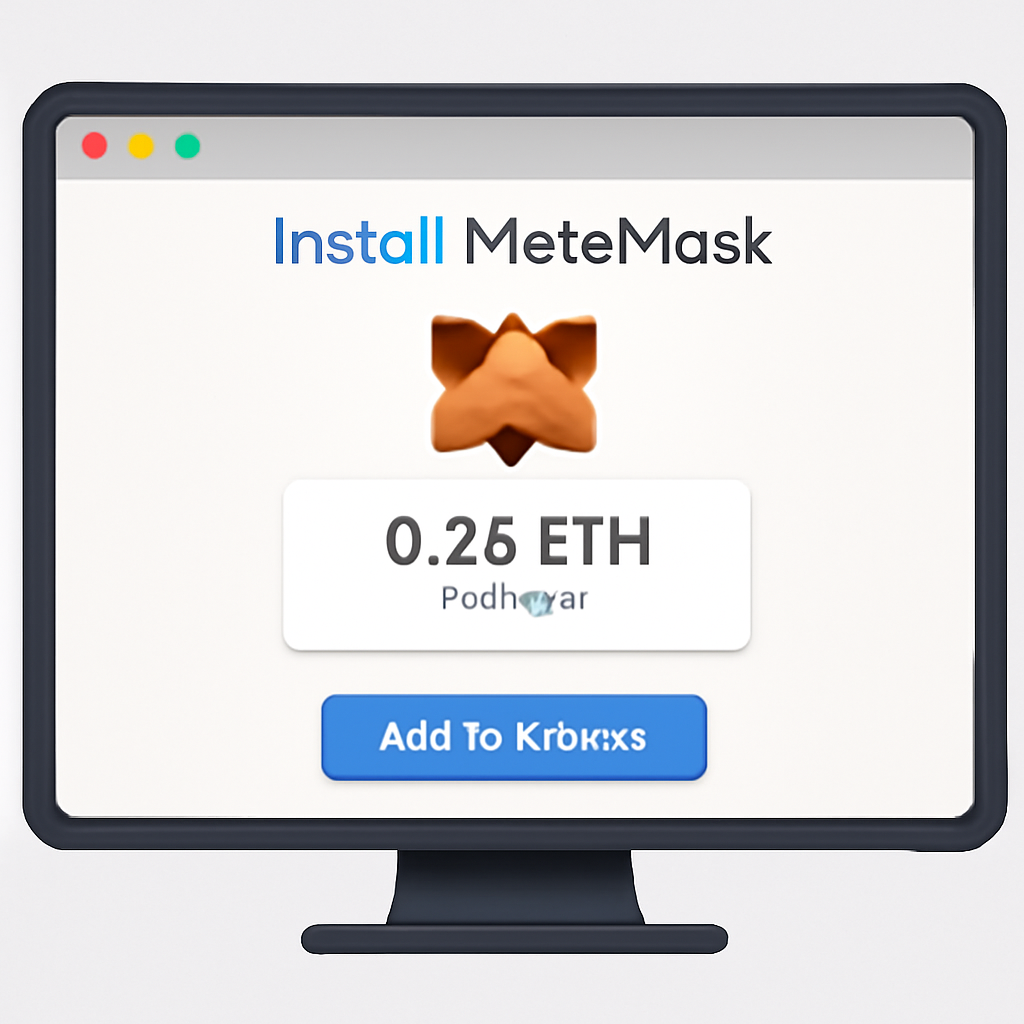
A computer screen displaying the MetaMask extension being installed and showing an ETH balance in the wallet. Modern, clean UI, focused on the MetaMask logo and ETH balance.
Install and Fund MetaMask
Download and install the MetaMask extension or app if you haven't already. Ensure your wallet is funded with enough ETH to cover both the amount you want to bridge and the necessary gas fees. As of November 7, 2025, Ethereum (ETH) is priced at $3,322.61. Consider this price when calculating the amount you wish to bridge and the expected gas fees.
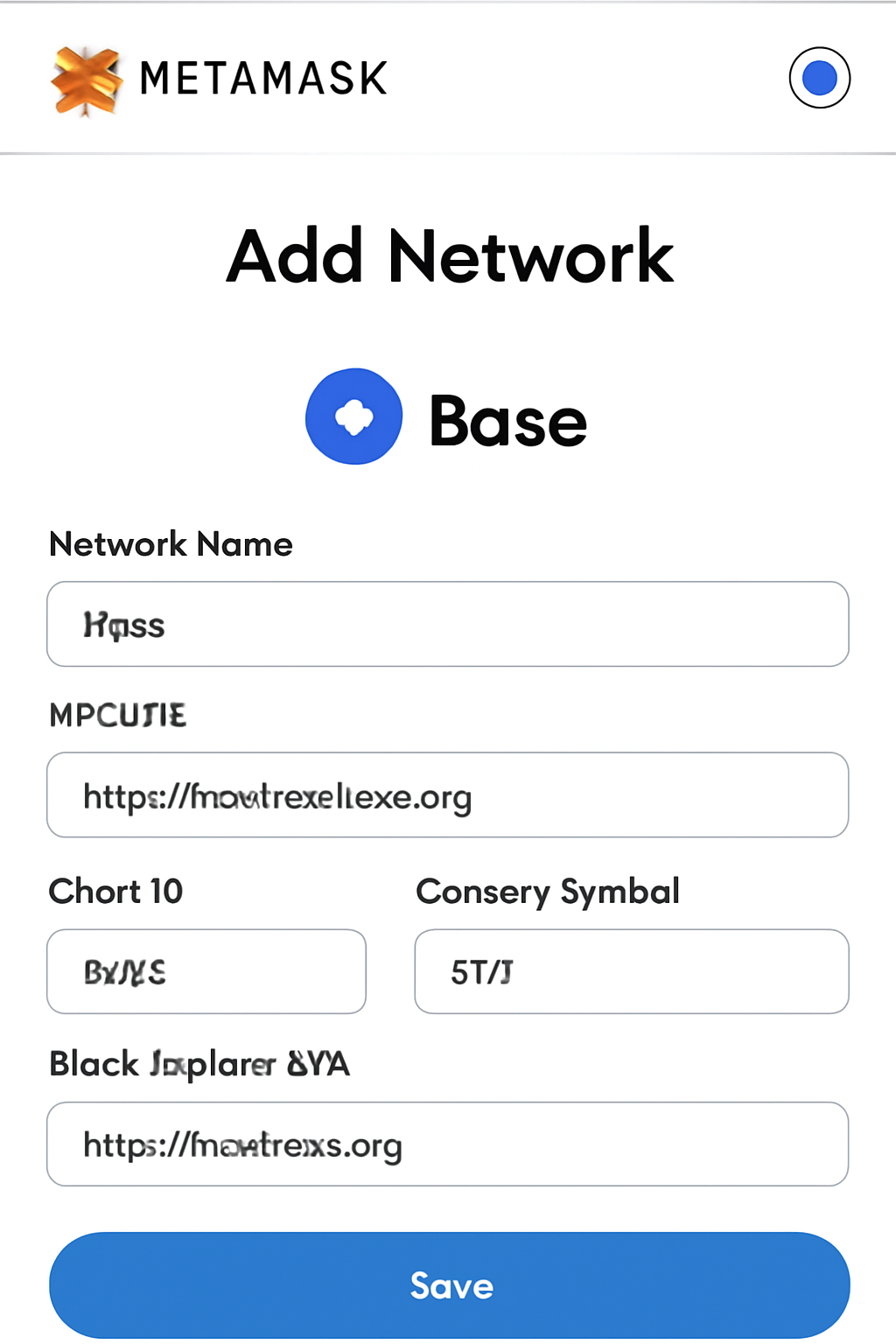
MetaMask interface with the 'Add Network' screen open, showing Base network details being entered. Clean, educational layout with Base logo.
Add the Base Network to MetaMask
To interact with the Base network, add it to MetaMask. Visit Chainlist.org, connect your wallet, search for 'Base', and click 'Add to MetaMask'. Alternatively, manually add Base using the following details: Network Name: Base Mainnet, New RPC URL: https://mainnet.base.org, Chain ID: 8453, Currency Symbol: ETH, Block Explorer URL: https://basescan.org.
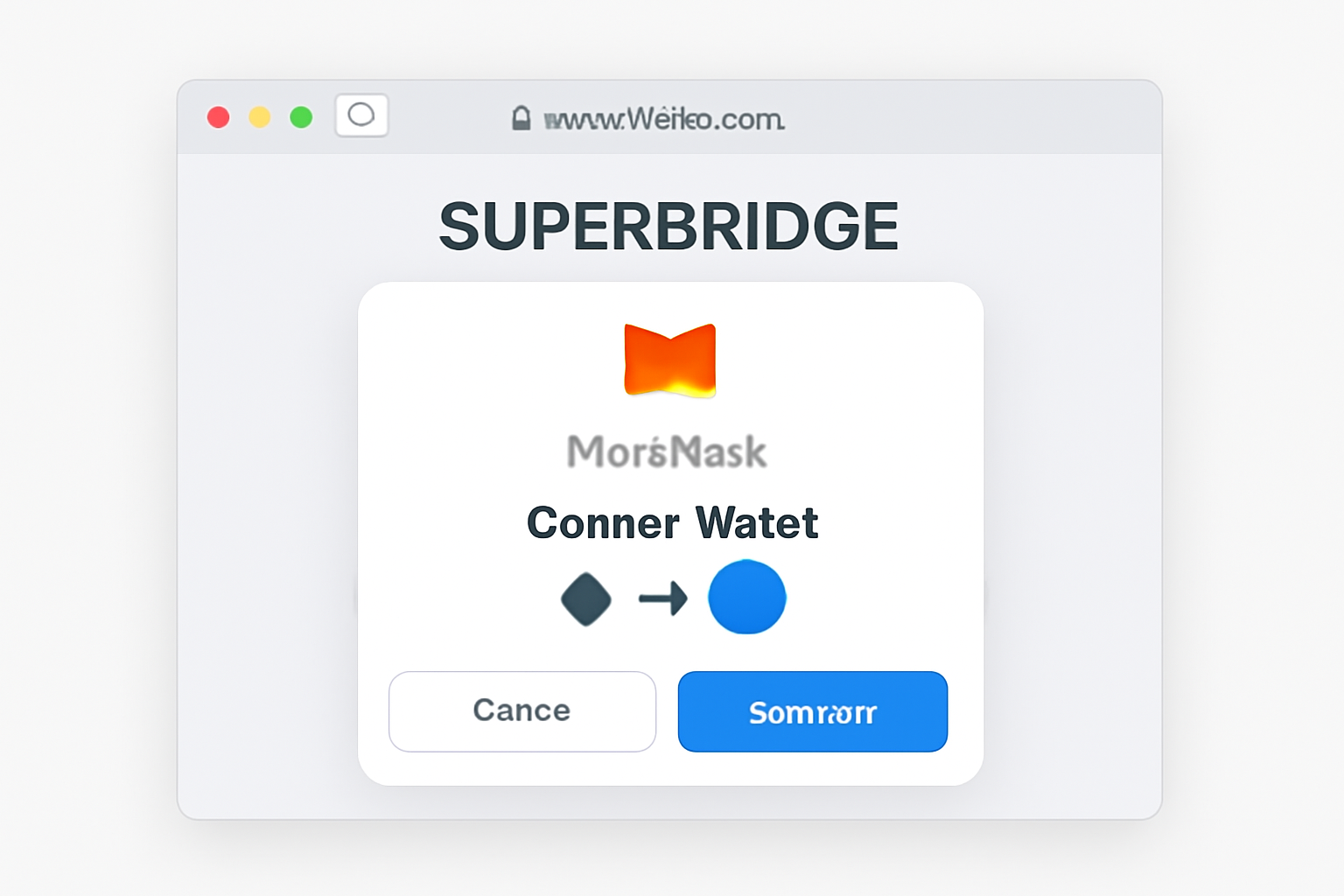
Web browser open to Superbridge.app, with a pop-up showing MetaMask wallet connection approval. Emphasis on Ethereum and Base logos.
Access Superbridge and Connect Wallet
Go to Superbridge at https://superbridge.app. Click 'Connect Wallet' and select MetaMask. Approve the connection in your MetaMask extension or app. Make sure you are connected to the Ethereum mainnet before proceeding.
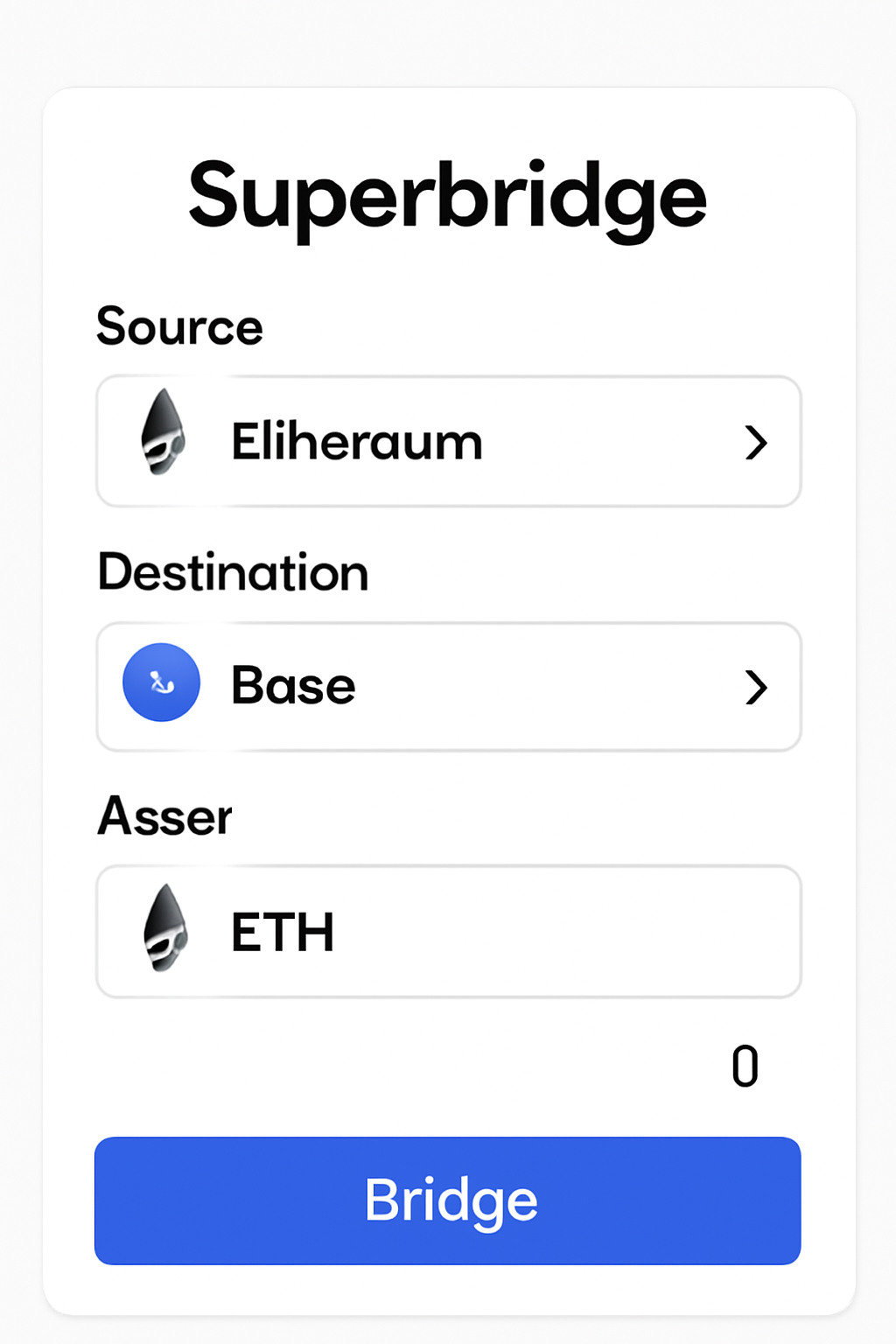
Superbridge interface showing Ethereum as the source, Base as the destination, ETH selected as the asset, and an amount being entered. Clear, user-friendly UI.
Set Up the Bridge Transaction
In Superbridge, set the 'From' network to Ethereum and the 'To' network to Base. Select ETH as the asset to bridge. Enter the amount of ETH you wish to transfer, keeping in mind the current ETH price of $3,322.61 and ensuring you leave enough for gas fees.
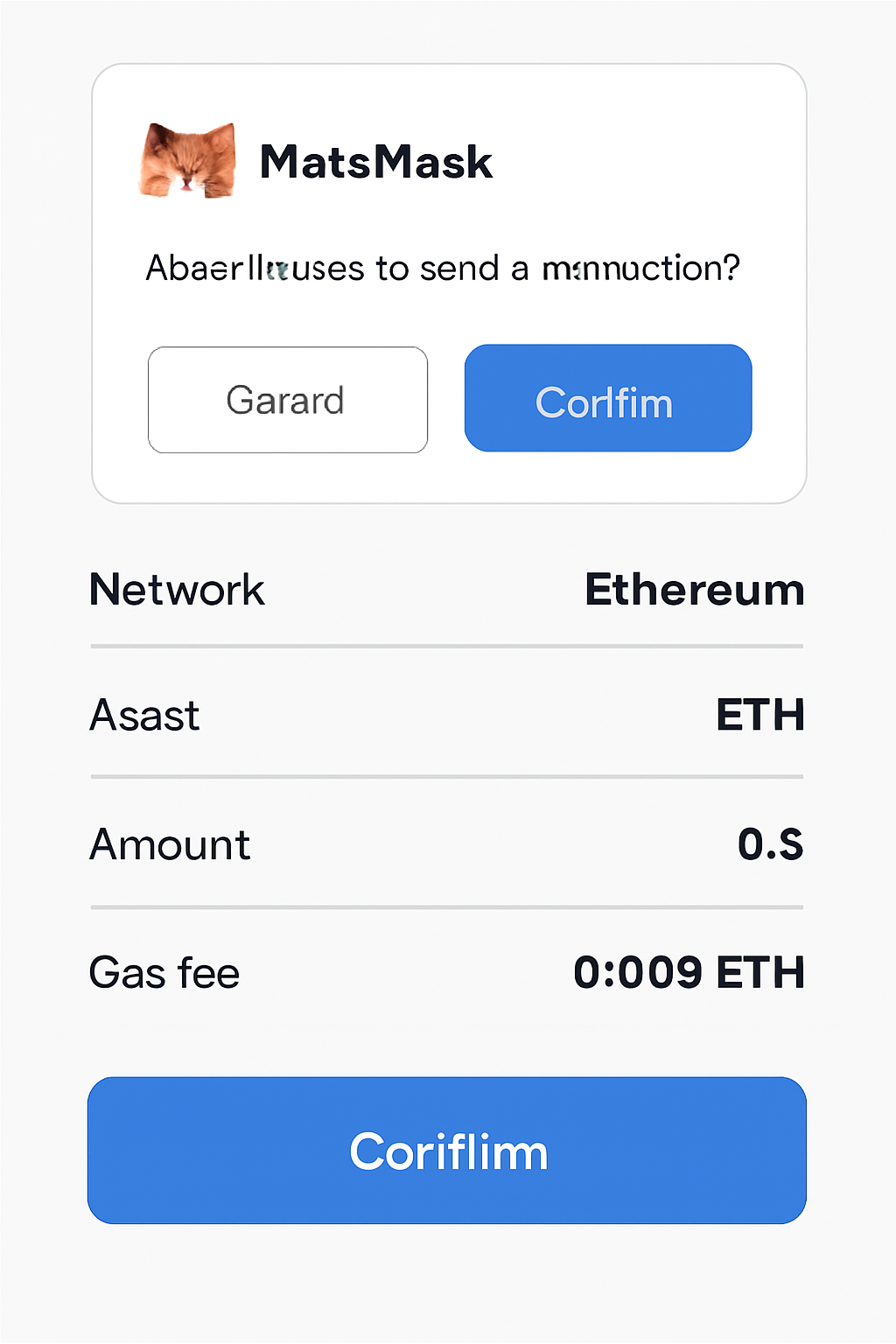
A confirmation screen showing transaction details (networks, asset, amount, gas fees) with a MetaMask pop-up for approval. Focused and clear design.
Review and Confirm the Transaction
Double-check all details: source and destination networks, asset, and amount. Review the estimated gas fees, which will be deducted from your ETH balance. Confirm the transaction in Superbridge, then approve it in MetaMask. Monitor the transaction status in the Superbridge interface.
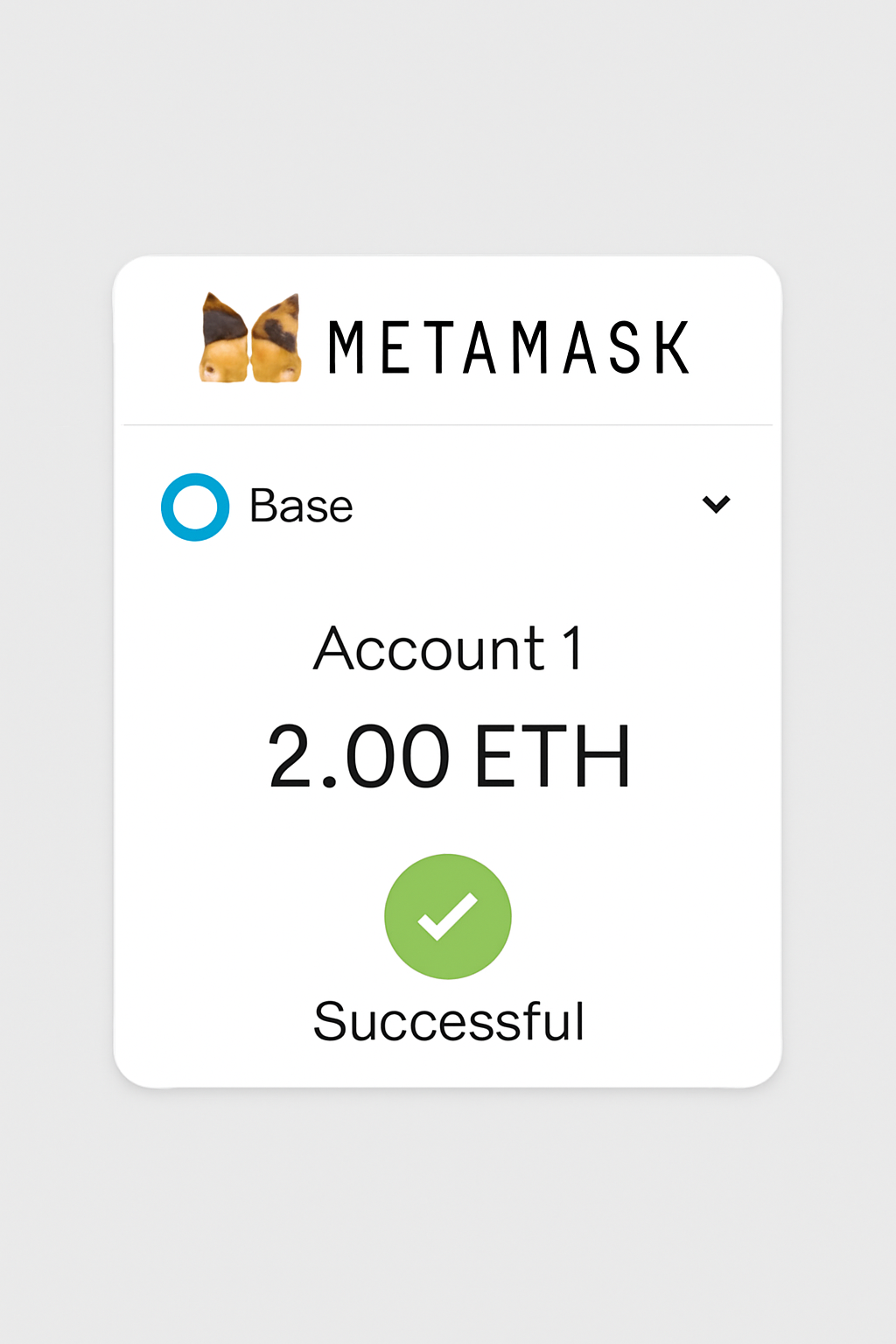
MetaMask wallet open on the Base network, displaying an updated ETH balance. Visual emphasis on successful transfer and confirmation checkmark.
Switch to Base Network and Verify ETH
Once the transaction is complete, switch your MetaMask network to Base Mainnet. Check your wallet balance to ensure the bridged ETH has arrived. If the ETH is not visible, try adding the token manually or refreshing your wallet.

Your Step-by-Step Bridge Process: From Wallet Setup to Asset Arrival on Base Chain

The core workflow is consistent across most bridges but always verify platform-specific instructions before confirming any transactions. Here’s what you should expect during a typical bridging session in late 2025:

  1. Initiate the Bridge: On your chosen bridging platform, connect your MetaMask wallet. Double-check you are on Ethereum mainnet before proceeding.
  2. Select Asset and Amount: Choose ETH or your preferred ERC-20 token. Enter the amount you wish to bridge. Be mindful that ETH is currently priced at $3,322.61, so plan accordingly to avoid overcommitting funds or underestimating gas fees.
  3. Review Fees and Confirm: The platform will display estimated gas fees and any service charges. Review these carefully, as high network activity can cause costs to spike unexpectedly.
  4. Approve and Execute: Approve the transaction in MetaMask when prompted. This may require two steps: granting permission for the bridge to access your tokens, then confirming the actual transfer.
  5. Wait for Settlement: Most bridges provide a progress tracker. Transfers typically complete within a few minutes but can take longer during periods of congestion. Patience is essential, do not refresh or close your browser until confirmation.

Tip: Always keep a small buffer of ETH on both Ethereum and Base for future transactions or unforeseen gas spikes.

Post-Bridge Checklist: Ensuring Your Assets Arrived Safely

Once you receive confirmation from the bridge interface, switch your MetaMask network selector to Base Mainnet. Your new balance should appear almost instantly for ETH; some ERC-20s may require manual token import using their contract address from BaseScan.

Essential Post-Bridging Checklist: Verifying Your Assets on Base

  • Confirm that your wallet is set to the Base network in MetaMask.🔄
  • Verify that the correct amount of bridged ETH or tokens appears in your Base wallet balance.💰
  • Ensure you have received a small amount of ETH on Base to cover transaction fees.
  • Double-check the transaction status on the bridging platform’s interface or on https://basescan.org.🔍
  • Review recent transactions in your wallet to confirm successful bridging.📄
  • Bookmark or securely store the official URLs of the bridging platform and Base block explorer for future reference.🔗
  • If you do not see your tokens, try adding the token contract address to MetaMask for Base network.
  • Contact platform support or consult community forums if assets are not visible after a reasonable wait.🛠️
All post-bridging checks complete! Your assets are now safely available on Base. You’re ready to explore faster and more affordable transactions.

If your assets don’t appear immediately, refresh MetaMask and check recent transactions on both Etherscan (for outgoing transfers) and BaseScan (for incoming receipts). Delays are rare but possible during peak hours; most reputable bridges offer support channels if issues persist.

Risks, Safety Tips, and Maximizing Value When Bridging

The growth of cross-chain activity has unfortunately attracted scams targeting unwary users. Here’s how to stay safe while optimizing every transfer:

  • Bookmark Official URLs: Only use direct links from trusted sources or this guide, phishing sites often mimic legitimate bridges with subtle domain changes.
  • Avoid Unverified Tokens: If bridging ERC-20s, double-check contract addresses via official project channels or BaseScan to avoid counterfeit tokens.
  • Monitor Gas Prices: Use tools like Etherscan’s Gas Tracker. Bridging outside of peak times can save significant amounts, especially with ETH at $3,322.61 per coin as of November 7,2025.
  • Diversify Large Transfers: For sizable amounts, consider splitting into smaller batches across different times or even different bridges for risk mitigation.

Bridging to Base: Troubleshooting, Fees & Security Essentials

Why is my bridge transaction taking longer than expected?
Bridging transactions from Ethereum to Base can sometimes take longer due to network congestion, high gas fees, or delays on the bridging platform. Most transfers complete within a few minutes, but during periods of heavy network activity, it may take longer. Always monitor the transaction status through your wallet or the bridge interface. If a transfer exceeds 30 minutes, check the bridge's support resources for updates or troubleshooting steps.
What should I do if my bridge transaction fails or is stuck?
If your transaction fails or appears stuck, first check your wallet and the bridge platform for any error messages. Sometimes, failed transactions are due to insufficient gas fees or incorrect network selection. Ensure you have enough ETH for fees on both Ethereum and Base. If the issue persists, contact the bridge's official support and avoid attempting duplicate transactions until the problem is resolved.
🛑
How can I optimize gas fees when bridging from Ethereum to Base?
To optimize gas fees, monitor Ethereum network conditions before initiating your bridge transaction. Gas prices can fluctuate significantly, especially during high-traffic periods. Use tools like [ETH Gas Station](https://ethgasstation.info/) to find optimal times for lower fees. Also, consider bridging during off-peak hours and always leave a small buffer of ETH in your wallet to cover unexpected fee increases.
💸
What security best practices should I follow when bridging assets?
Always use reputable and official bridging platforms such as Superbridge, ChainPort, or deBridge. Double-check URLs to avoid phishing scams and never share your private keys or seed phrases. Before confirming any transaction, verify the network and token details. For added safety, keep your wallet software updated and consider using hardware wallets for larger transfers.
🔒
Do I need to keep ETH on both Ethereum and Base networks for bridging?
Yes, it's recommended to maintain a small amount of ETH on both networks. On Ethereum, you'll need ETH to pay for the initial bridging transaction's gas fees. On Base, you'll need ETH to cover any subsequent transactions, such as swapping or transferring tokens. This ensures smooth operation and prevents being unable to move assets due to insufficient funds.
🔁

What’s Next After Bridging? Exploring DeFi and dApps on Base

Your assets are now primed for use in the expanding Base ecosystem, whether that’s trading on decentralized exchanges (DEXes), minting NFTs with lower fees, or participating in emerging DeFi protocols exclusive to Base chain. Stay updated with project launches and community events as adoption accelerates.

If you’re interested in more advanced strategies or want a visual walkthrough tailored for retail-friendly DeFi onboarding on Base chain, see our related guide: How to Bridge ETH to Base for Retail-Friendly DeFi (Step-by-Step Guide).

Illustration of popular dApps like BaseSwap, Friend.tech, and Aerodrome available on Base network after bridging from Ethereum