
Ready to dive into the world of trending Base coins and creator tokens? If you’re looking to turn memes, art, or even your late-night thoughts into tradable assets, Base App is your playground. In 2025, Base has reimagined content monetization: every post is a coin, every creator has a token, and trading is just a tap away. Let’s break down how you can spot hot trends, trade like a pro, and make your mark on the Base chain, no jargon, just actionable steps.
How Content Becomes Coins: The Magic of Creator Tokens
On Base App, anything you post, an image, a meme, a joke, instantly becomes its own ERC-20 token minted on the Base blockchain. Here’s how it works: upload content and the app auto-generates token metadata, then deploys a new coin with a default supply (right now it’s 1 billion per coin). As the creator, you bag 10 million tokens in your wallet up front. The rest? Open season for traders.
This isn’t just hype. It means creators have skin in the game from day one and fans can speculate on viral moments or support their favorite profiles directly. For more on how this ecosystem works behind the scenes, check out this deep dive from Base Radar.
Getting Started: Set Up Your Profile and Wallet in Minutes
If you’re new to crypto or just new to Base App trading, onboarding is refreshingly simple:
Steps to Create an Account & Connect a Wallet on Base App
- Download the Base App from the official app store (iOS App Store or Google Play). Make sure you’re installing the authentic app by checking the publisher: Base Labs, Inc.
- Sign Up using your email address or a supported social media account (like Google or Twitter/X). Follow the prompts to verify your identity if required.
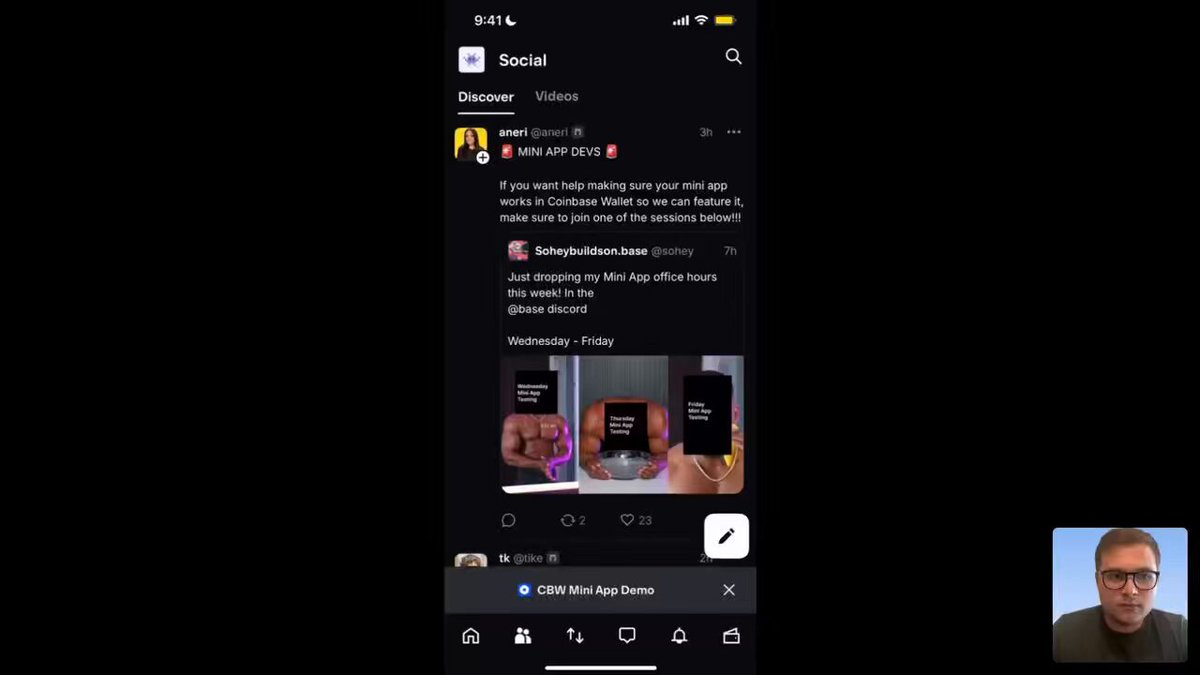
- Set Up Your Profile by choosing a unique username, uploading a profile picture, and adding a short bio. This helps you connect with the Base community and boosts your visibility.
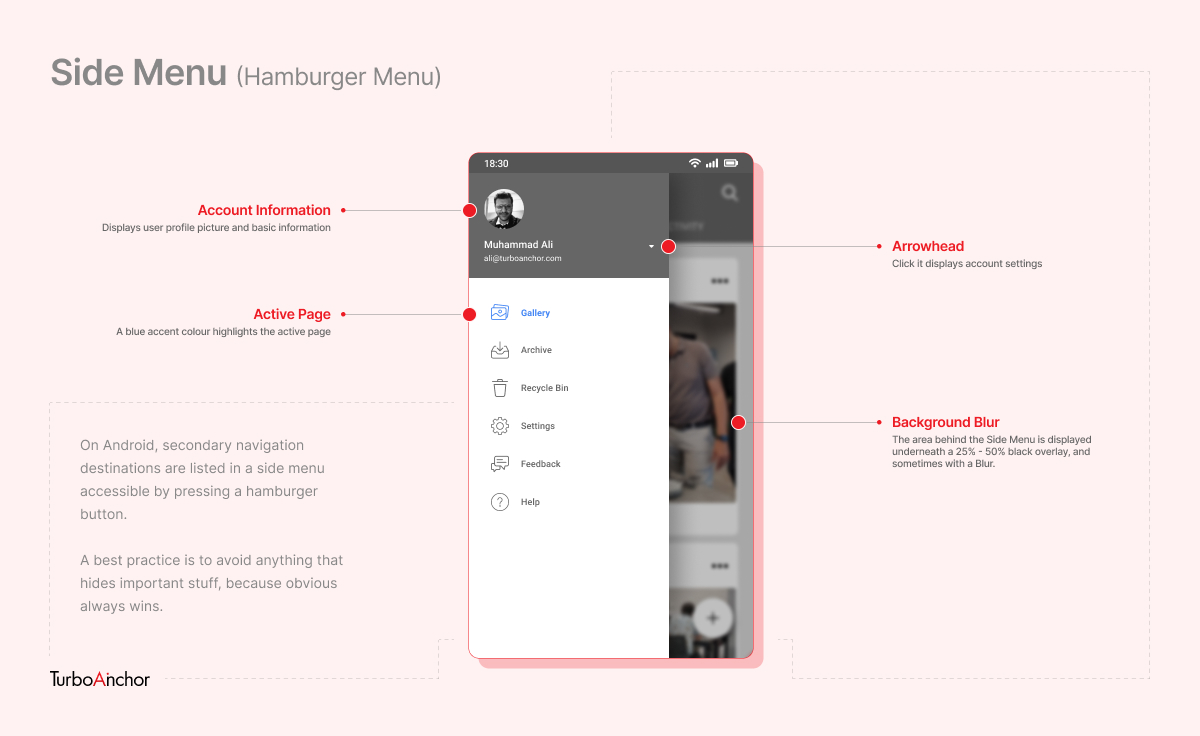
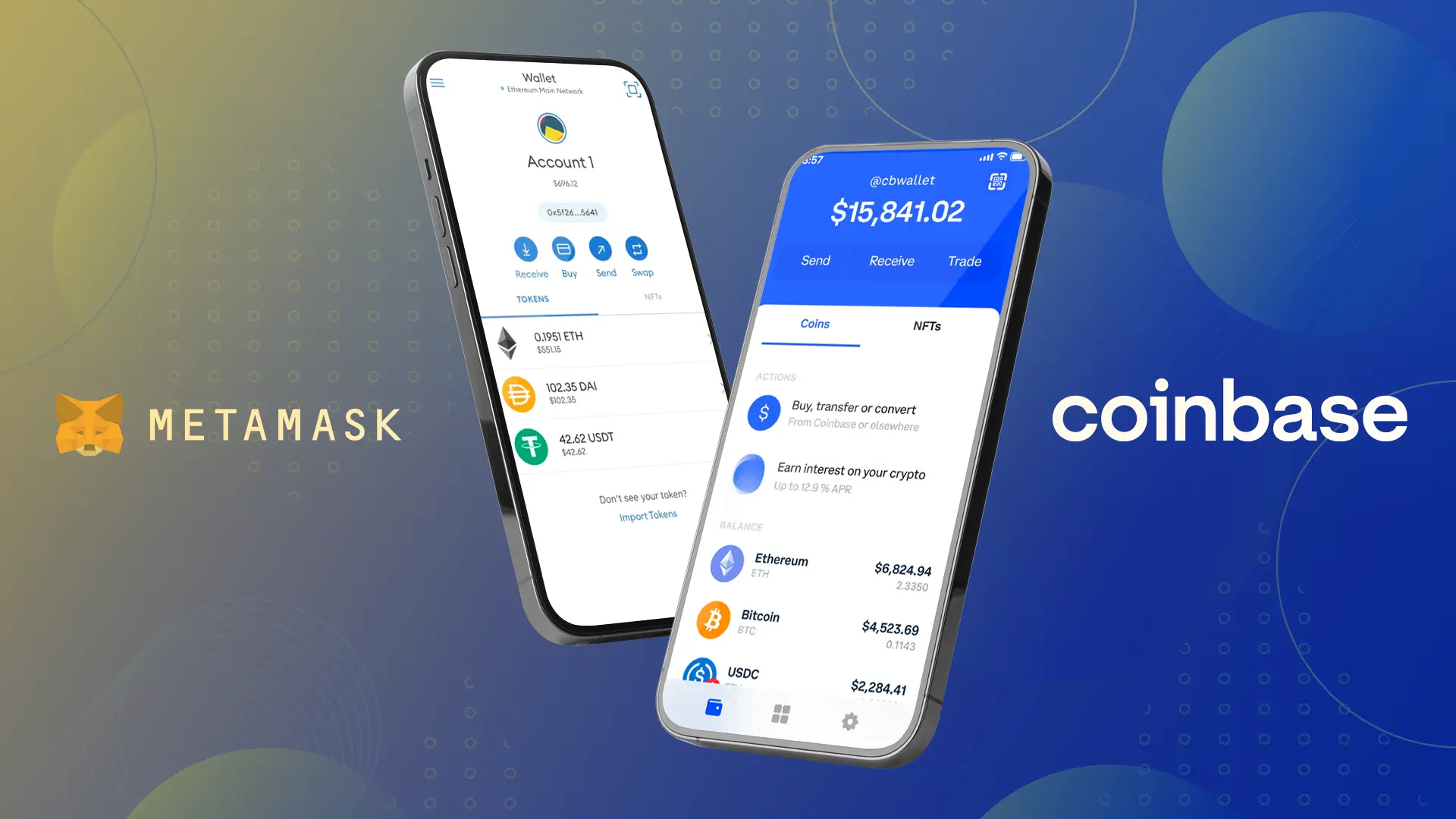
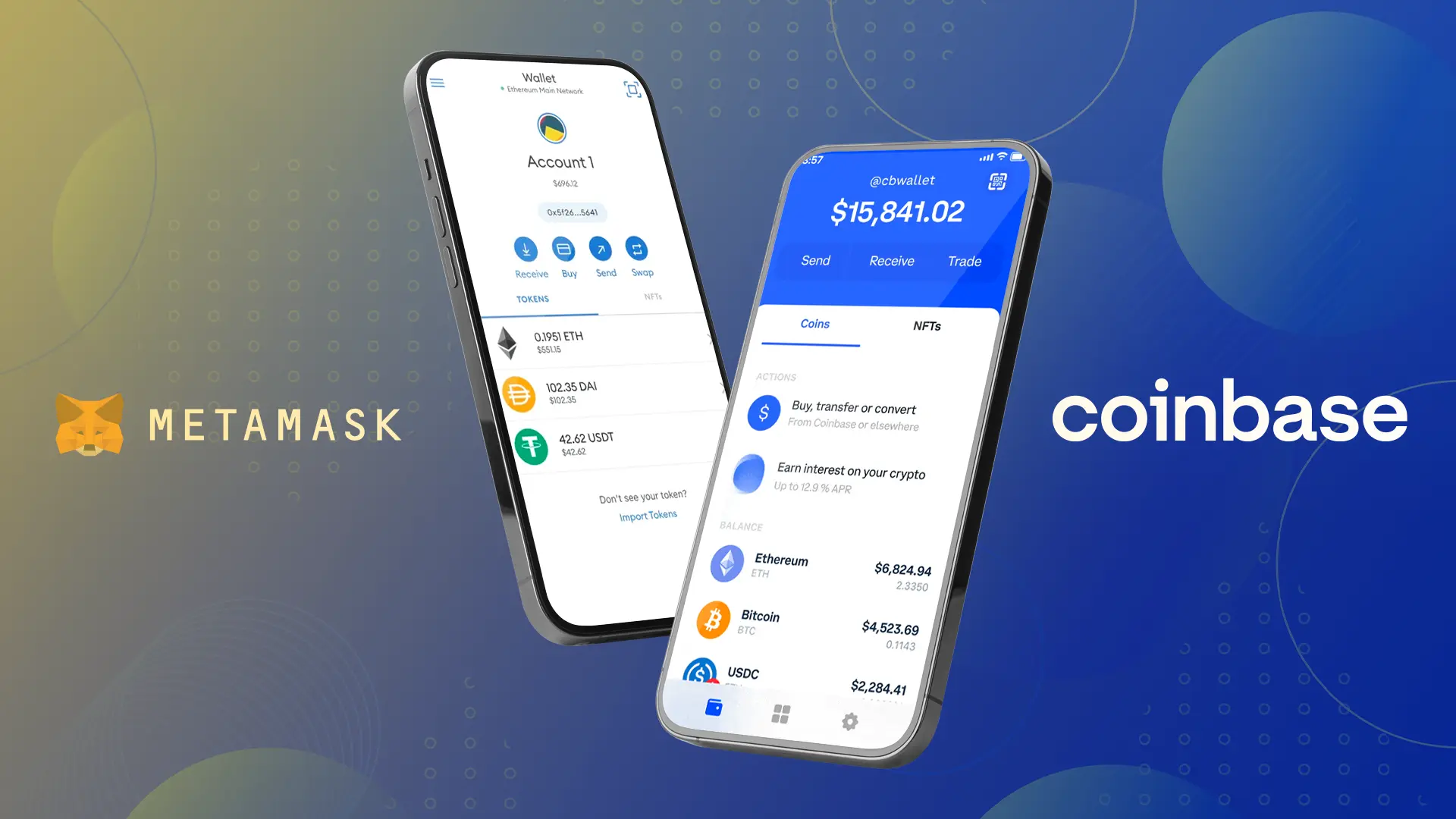
- Connect a Compatible Crypto Wallet such as Coinbase Wallet, MetaMask, or Trust Wallet. Tap the Connect Wallet button, select your wallet provider, and follow the on-screen instructions to authorize the connection.
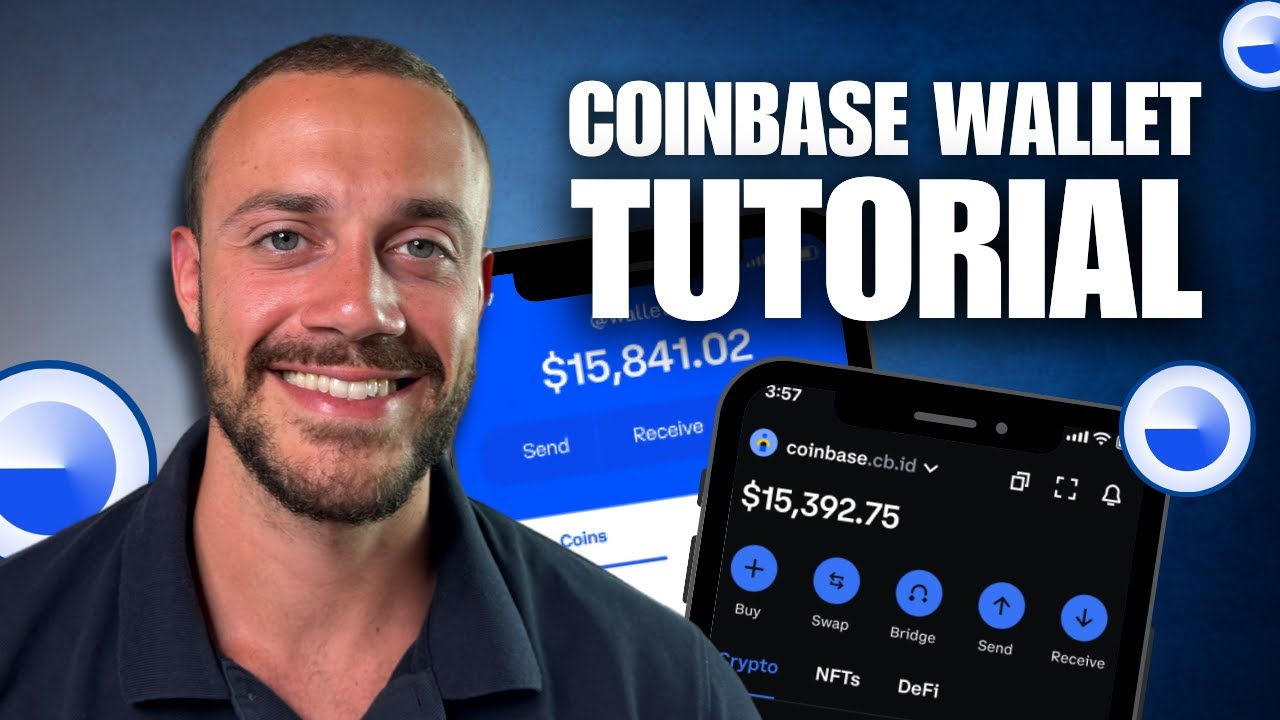
- Confirm Wallet Integration by checking that your wallet address appears in the app dashboard. You’ll now be able to manage, trade, and receive Base coins and creator tokens directly in the app.
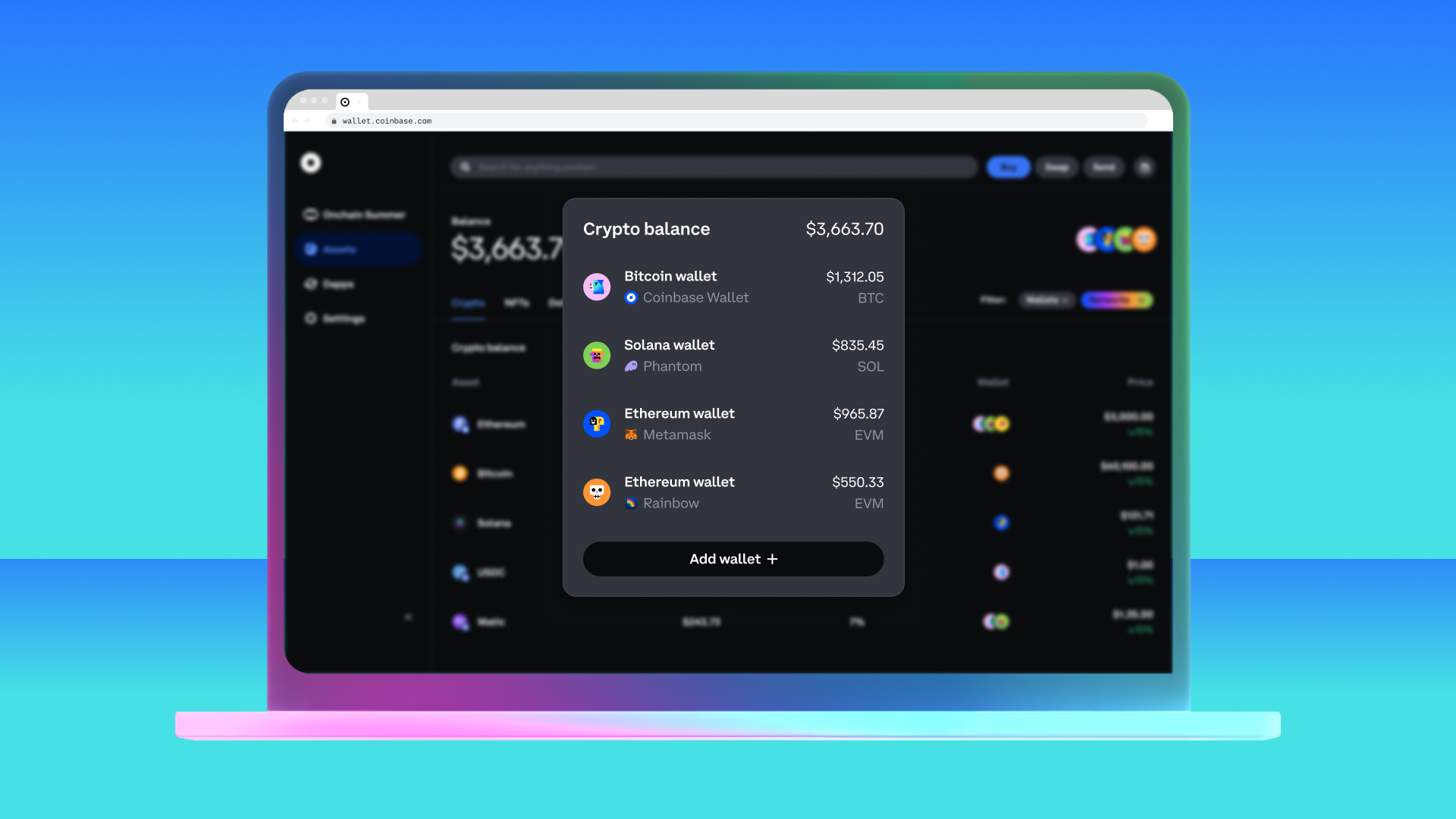
Once you’ve set up your account and connected your crypto wallet (think Coinbase Wallet or Bitget), personalize your profile. This isn’t just for vanity, profiles with strong branding attract more followers and boost visibility for your tokens.
Spotting What’s Hot: Tracking Trending Coins and Creator Tokens
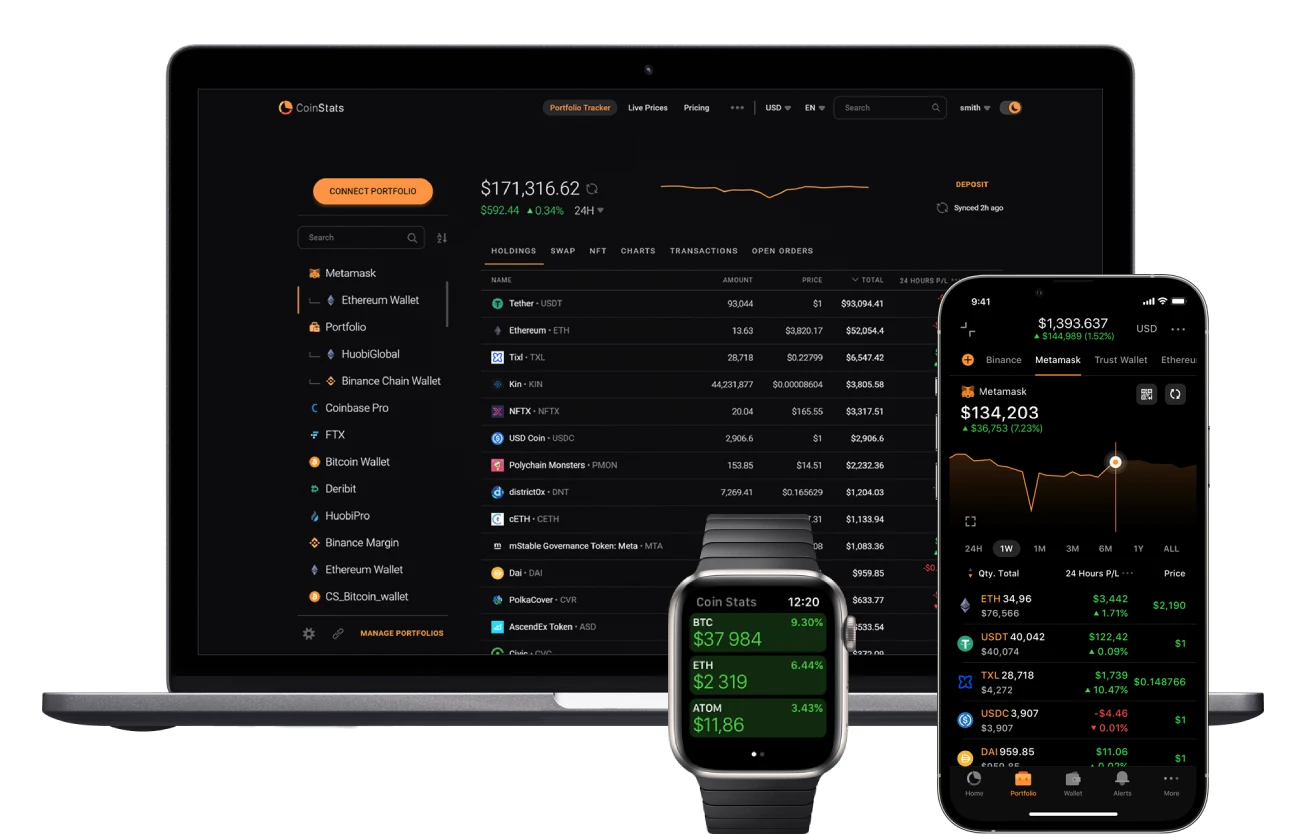
The real alpha is knowing where attention (and liquidity) is flowing right now. That’s where tools like BaseCoins come in handy. This site delivers real-time data on ERC-20 tokens minted on Base, including hourly movers and daily leaders by volume or market cap. Each coin gets its own stats page with price charts and top swap pools.
If you want to see what’s buzzing before everyone else jumps in, check out BaseCoins’ blog. It’s my go-to for surfacing early momentum plays.
Navigating Trades Directly In-App
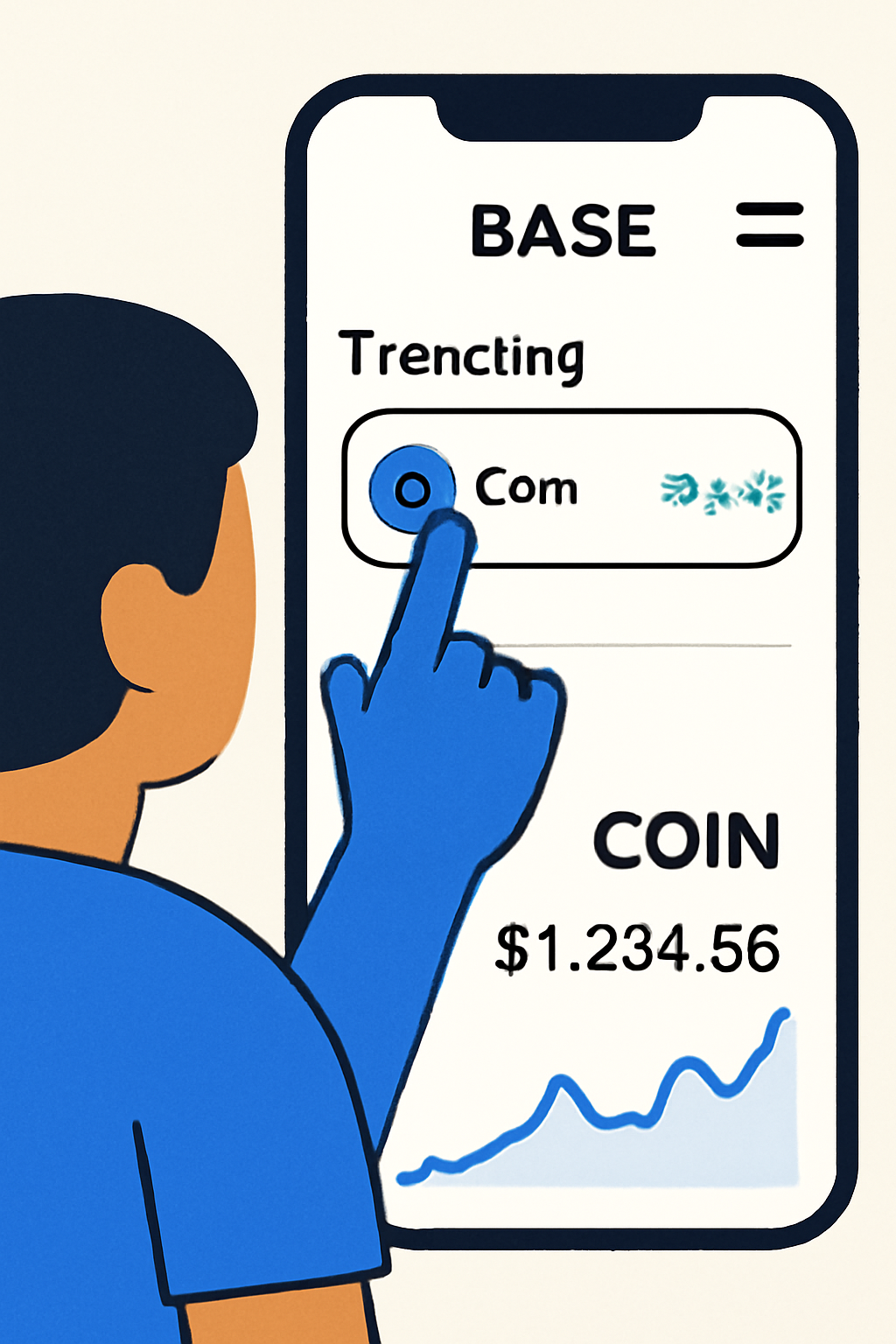
No more bouncing between DEXes or spreadsheets. In the ‘Explore’ tab of Base App, you’ll find:
- Trending Coins: Updated in real time so you can ride waves as they form.
- Creator Token Pages: Deep dives into each token’s performance metrics.
- Integrated DEX: Buy/sell functions are built right in, no extra logins needed.
This streamlined approach helps both beginners and seasoned traders act fast when momentum shifts. If you’re used to clunky desktop exchanges or endless MetaMask pop-ups… get ready for something smoother.
But don’t just ape into every chart that’s pumping. Trading trending Base coins and creator tokens is about timing, context, and a dash of social savvy. Let’s dig into actionable strategies to level up your game on Base App, whether you’re flipping memecoins or backing the next viral content king.
Smart Trading Moves: Mastering Order Types and Risk
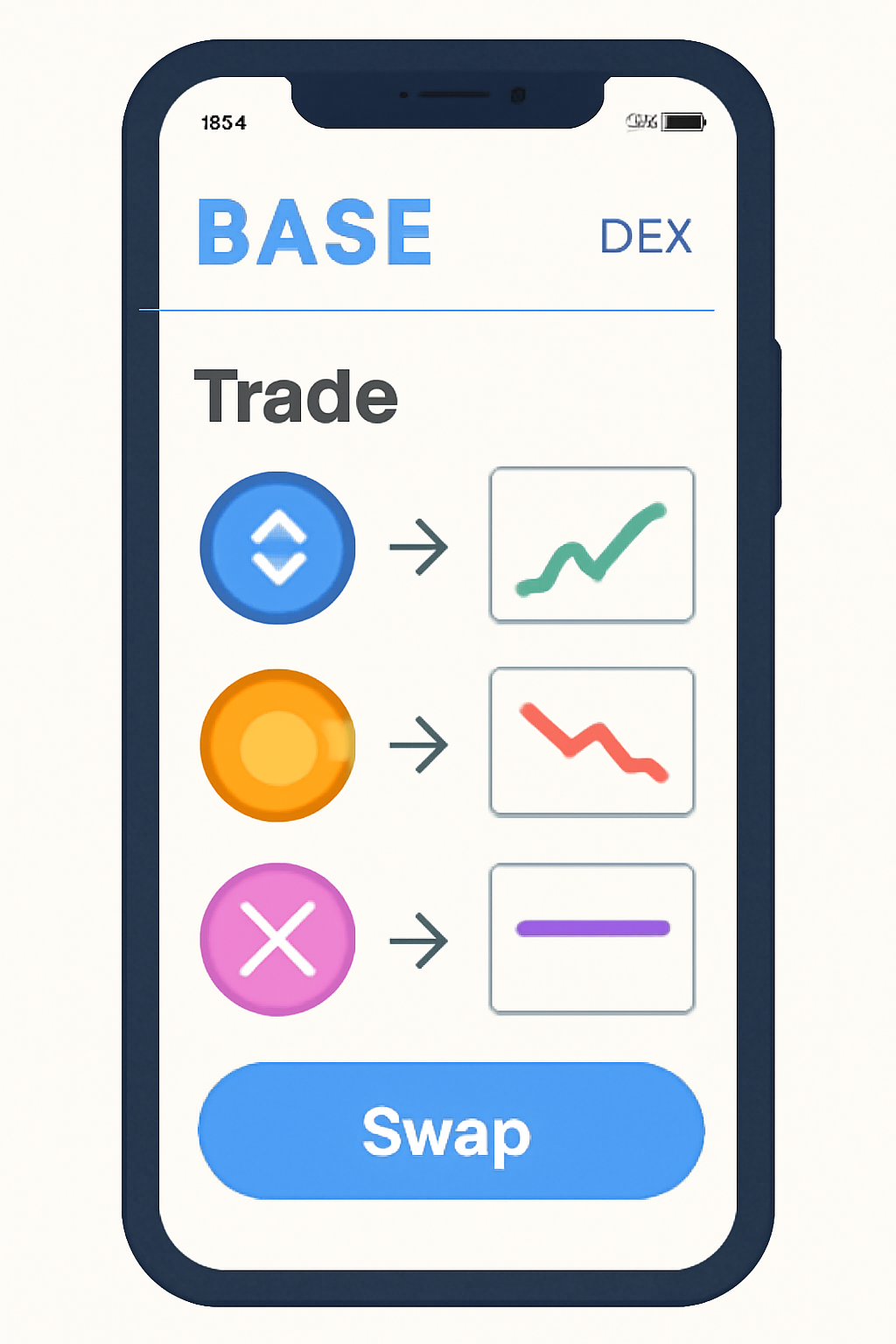
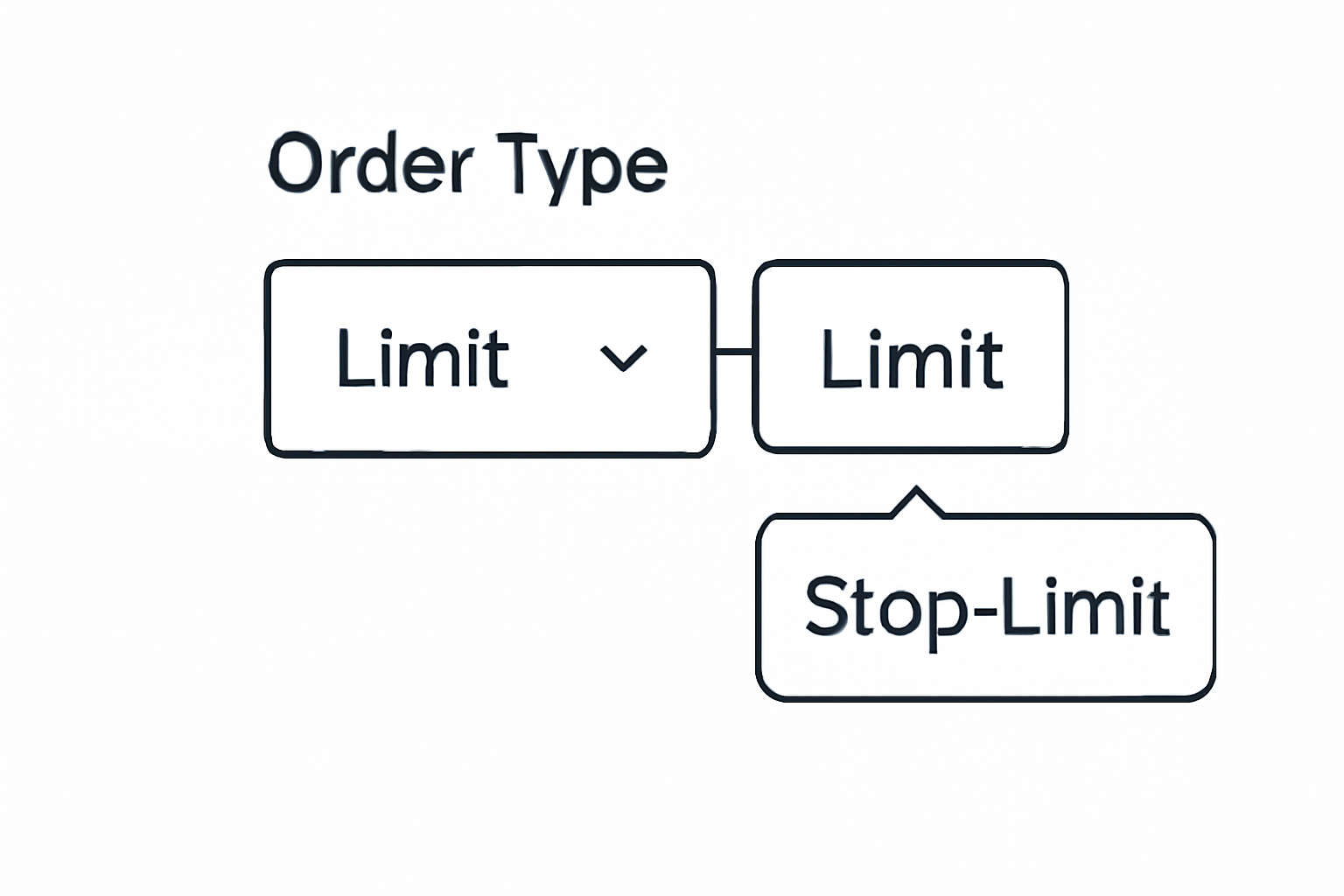
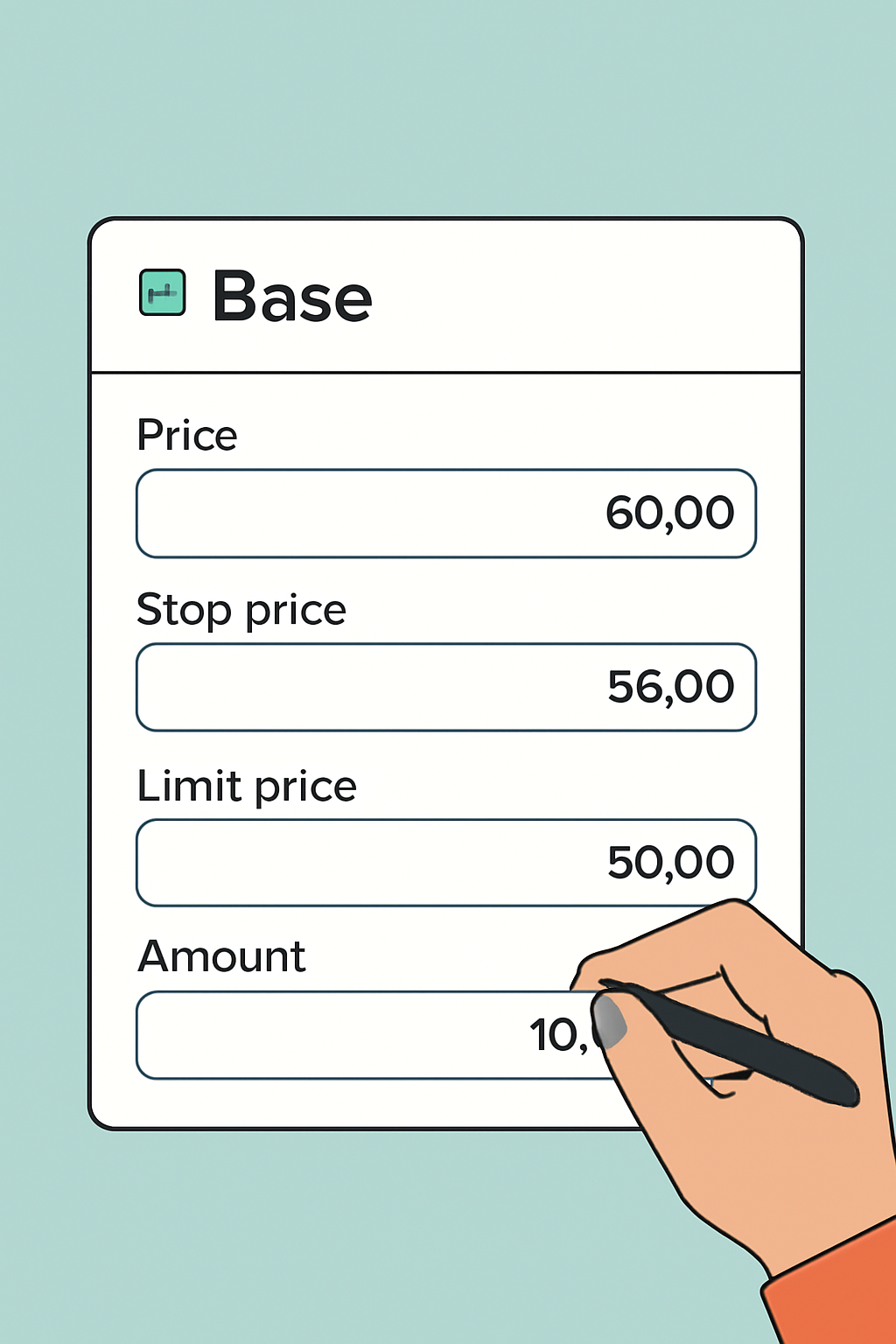
Here’s where most new traders get rekt: they chase green candles without a plan. On Base App’s DEX, you can place market orders for instant fills or set limit orders if you want to buy/sell at a specific price. Limit orders are clutch during volatile surges, avoid slippage when everyone FOMOs in! And don’t sleep on stop-limit orders if you want to lock in profits or cut losses automatically.
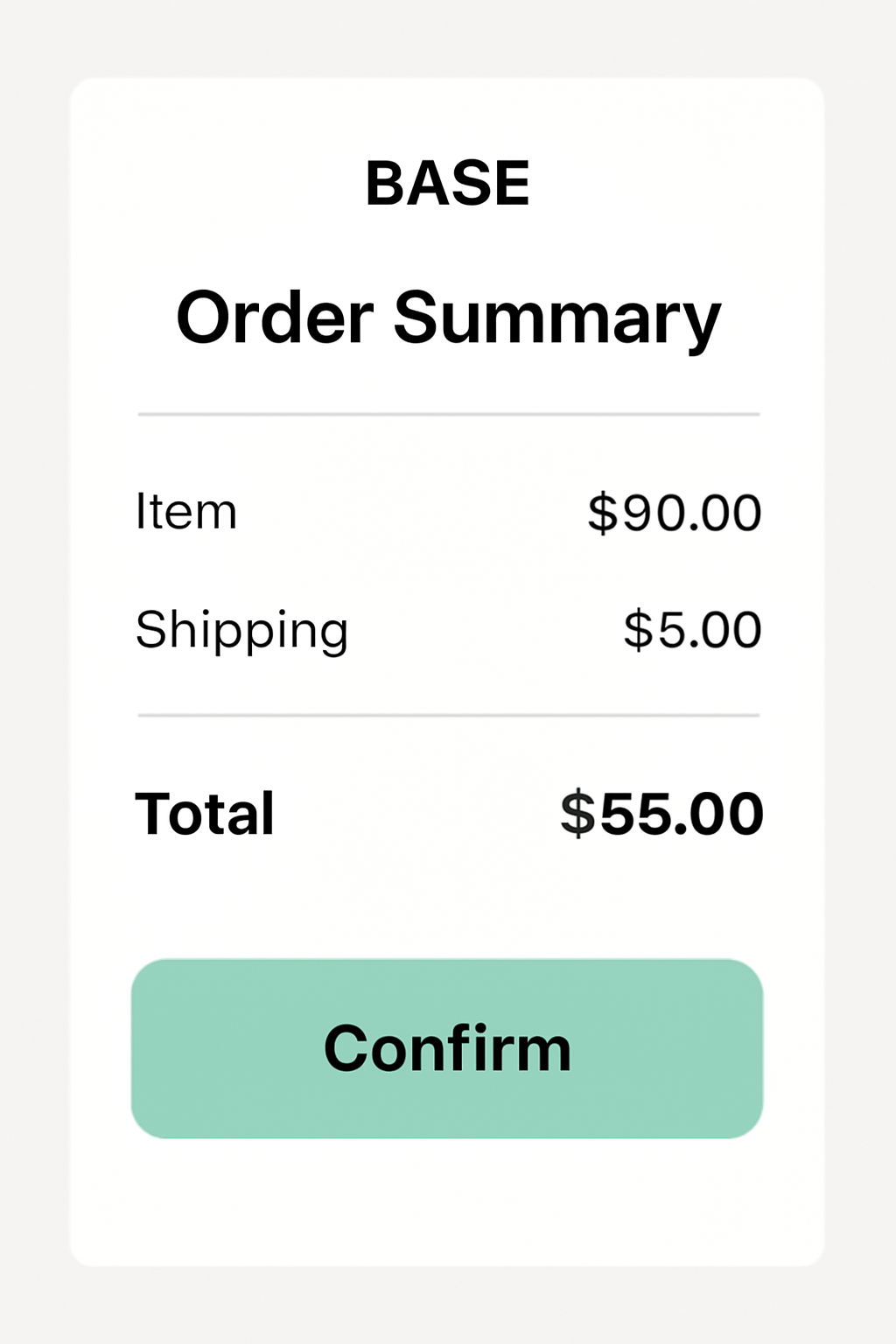
How to Place Limit & Stop-Limit Orders on Base App
Pro tip: Always check liquidity in the top swapping pools before aping in. Low-liquidity coins can see wild price swings and big spreads between buy/sell prices. If the volume is thin, tread carefully, or better yet, wait for confirmation of sustained interest.
Portfolio Power-Ups: Tracking Performance and Setting Alerts
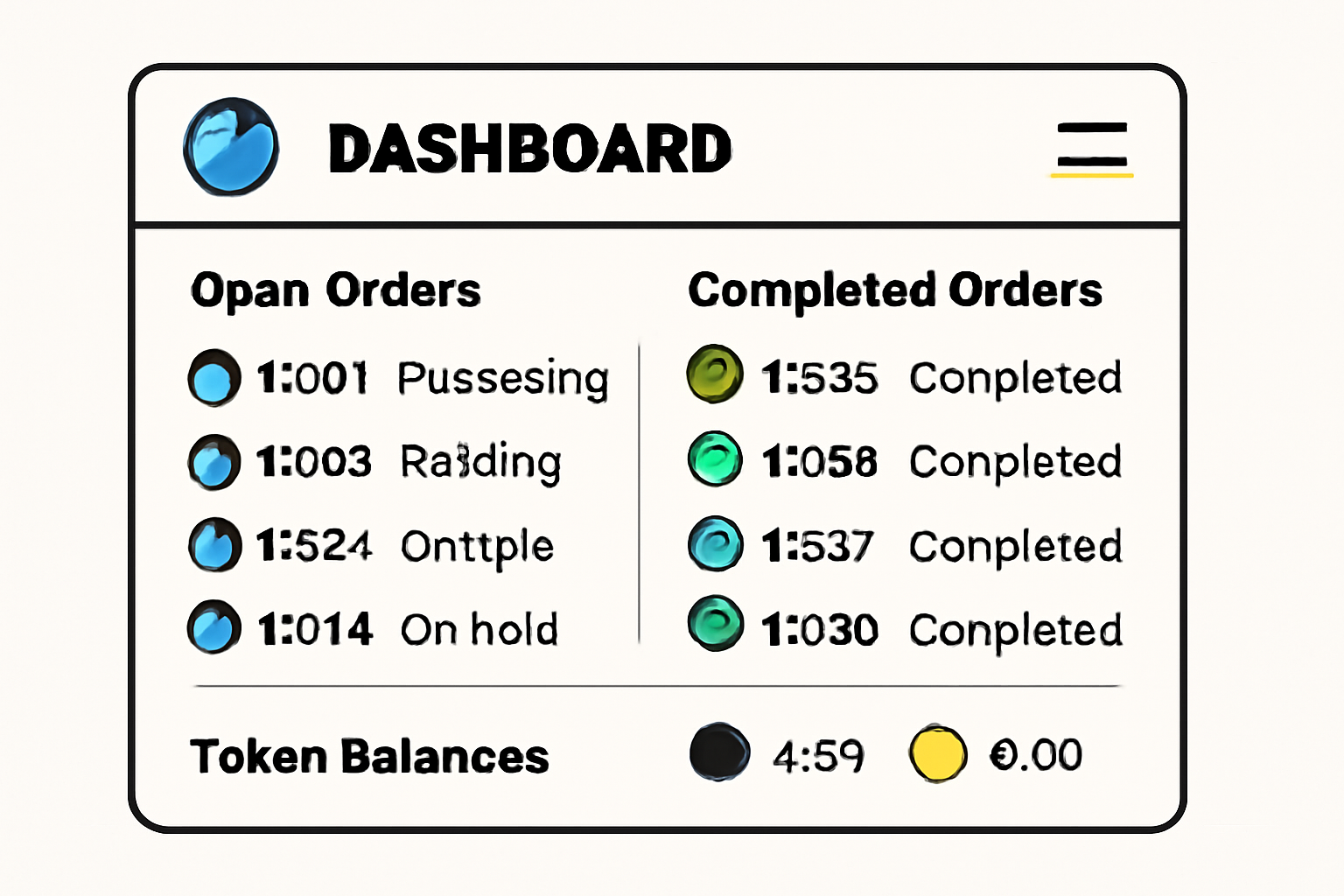
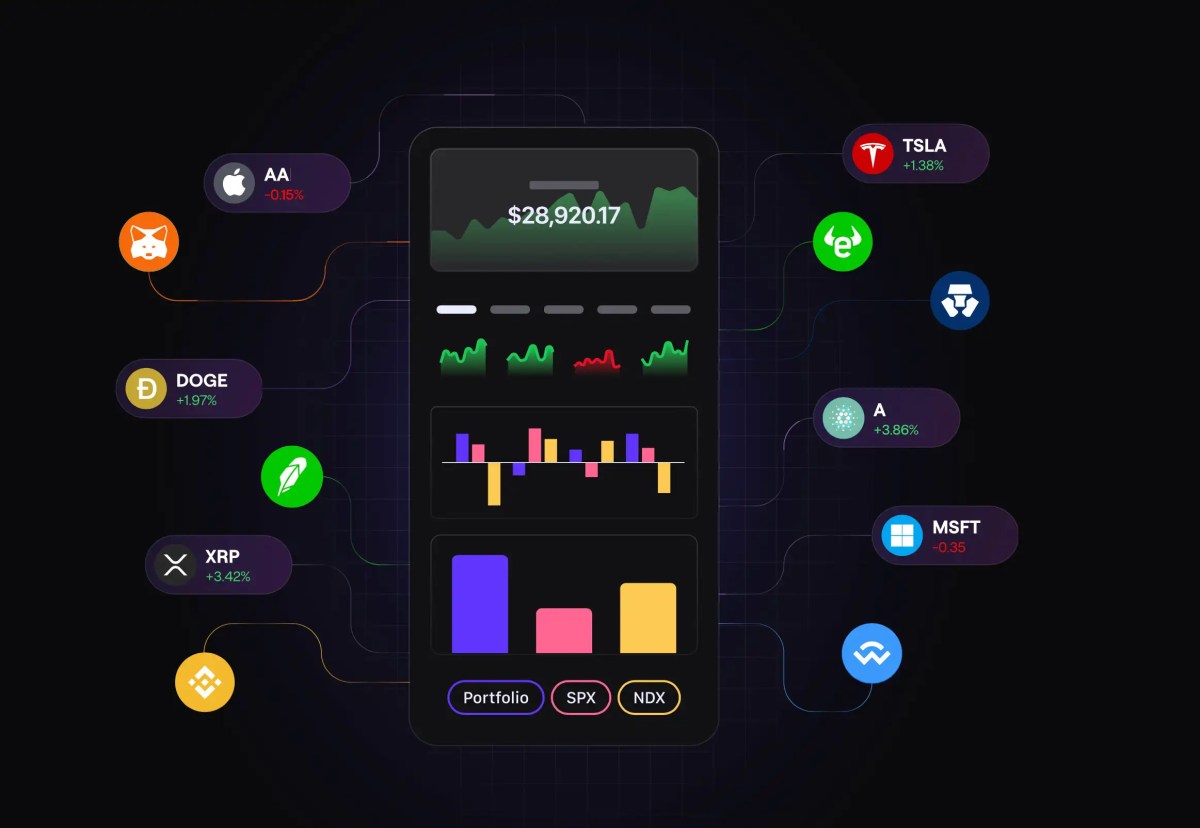
Your dashboard isn’t just for flexing token balances. Use it to spot trends in your holdings, are your favorite creator tokens gaining traction? Did a memecoin you bought last week suddenly go viral? The app lets you set custom alerts for price moves or news drops tied to your portfolio.
The beauty of this setup is how hands-off it can be once you automate alerts and portfolio tracking. You get pinged when it matters, no need to stare at charts all day (unless that’s your thing).
Community Alpha: The Social Edge
If there’s one meta that hasn’t changed since crypto began, it’s that narratives drive price action as much as tech or tokenomics. On Base App, community forums and comment threads are goldmines for early signals. Watch for sudden spikes in discussion volume or coordinated meme pushes; these often precede real trading momentum.
Top 5 Ways to Use Base App Community Features for Trading Insights
- Join Trending Coin Discussions: Dive into active forums and threads on Base App where users analyze the latest trending coins and creator tokens. These real-time conversations offer actionable insights and crowd sentiment on market movers.
- Follow Top Creators for Alpha: Stay updated by following influential creators whose token launches and content often spark trading opportunities. Their posts frequently include analysis, market updates, and early signals on new trends.
- Share and Analyze Trading Strategies: Use Base App’s community spaces to post your own trading strategies, get feedback, and learn from others. Engaging in these exchanges helps refine your approach and spot new market patterns.
- Participate in Community Polls and Predictions: Take part in polls and prediction markets within the app to gauge community expectations for coin performance. These features help you crowdsource sentiment and adjust your trades accordingly.
- Leverage In-App Alerts and Social Signals: Enable notifications for hot topics, trending coins, and creator token launches discussed by the community. Social signals from Base App can give you a timely edge in fast-moving markets.
Dive into creator groups, ask questions, share memes, sometimes being early is as simple as being social. Remember, some of the biggest runs start with a single viral post or inside joke that catches fire.
Stay Ahead: Continuous Learning and Market Awareness
The world of Base memecoins, content coins, and creator tokens evolves fast, and so should you. Make use of the educational resources baked into the app (and across YouTube/crypto Twitter) to keep sharpening your edge. Whether it’s learning advanced chart patterns or just getting better at spotting social sentiment shifts, staying curious pays off big time.
If you’re ready to ride the next wave of content-driven trading, there’s never been a more accessible playground than Base App.
Ride the trend, respect the risk!



No comments yet. Be the first to share your thoughts!