Spotting technical SEO errors
Traditional SEO audits often feel like looking for cracks in a wall that is constantly moving. You run a crawler, get a clean report, and then watch your rankings drop. The disconnect usually comes down to one thing: your audit tool isn't seeing what Google sees.
Many legacy crawlers are built for static HTML. They fetch the source code, parse the links, and move on. They do not execute JavaScript. If your site relies on client-side rendering to load critical content, meta tags, or structured data, a standard crawler will return empty results. It reports a healthy page that is actually invisible to search engines.
This blind spot creates "hidden" technical errors. A page might look perfect in your CMS or staging environment, but if the JavaScript bundle fails to load in the browser, the content never renders for the bot. This leads to indexing gaps, duplicate content issues from improper canonical tags, and lost ranking opportunities for high-value keywords.
To find these errors, you need to spot the symptoms first. Check your Google Search Console for pages that are indexed but have no content, or pages that return "Page with redirect" errors despite having no redirects in your code. These are often signs that the crawler couldn't execute the scripts needed to resolve the final URL or load the main content block.
The fix requires shifting from static analysis to dynamic execution. AI-driven site crawlers simulate real browser behavior, loading JavaScript, waiting for network requests, and rendering the final DOM. This allows them to catch the errors that static tools miss, ensuring your technical foundation matches the user experience.
Crawl4AI for open source control
When off-the-shelf SEO tools feel too rigid or expensive, Crawl4AI offers a developer-friendly alternative. It is an open-source LLM-friendly web crawler designed to give you deep control over how AI site crawling data is extracted and structured. Unlike black-box SaaS platforms, this tool lets you tweak the crawling logic, handle dynamic JavaScript, and clean up the HTML before it ever reaches your analysis pipeline.
The library is particularly useful for technical SEO audits that require precise data extraction. It supports headless browser execution, allowing it to render pages exactly as a user would see them. This means you can capture dynamic content, lazy-loaded images, and complex DOM structures that traditional crawlers might miss. For teams building custom SEO workflows, this level of transparency ensures that your audit data is accurate and reproducible.
Crawl4AI is built to integrate seamlessly with large language models. You can configure it to return clean, semantic HTML or JSON, making it easier for AI models to parse and analyze site structure. This reduces the noise and preprocessing steps often required when using generic scraping tools. If you need to automate complex technical checks or build a proprietary SEO monitoring system, this open-source approach provides the flexibility that commercial tools often lack.


As an Amazon Associate, we may earn from qualifying purchases.
Firecrawl for API integration
When technical SEO audits require more than a browser-based report, you need an infrastructure layer that feeds clean data directly into your AI agents. Firecrawl acts as that managed API, handling the heavy lifting of finding, reading, and structuring live web information. This approach is ideal for teams building scalable, token-efficient crawlers that can handle complex JavaScript rendering without managing the underlying infrastructure.
How it works
Firecrawl converts unstructured web pages into structured markdown or JSON. This format is optimized for Large Language Models (LLMs), reducing the token count significantly compared to raw HTML. The API handles proxy rotation, CAPTCHA solving, and dynamic content rendering, allowing your automation scripts to focus on analysis rather than data extraction.
Setup and integration
Getting started requires minimal configuration. You can initiate a crawl or scrape request via a simple API call, specifying the target URLs and the desired output format. The service returns the processed content, which you can then pipe directly into your SEO audit pipelines or RAG (Retrieval-Augmented Generation) systems.
Sign up for a Firecrawl account and generate your API key from the dashboard. This key authenticates all subsequent requests to the API endpoint.
Define the target URLs and set parameters for the output format. Choose between markdown for LLM readability or JSON for structured data processing. You can also specify depth limits and allowed domains.
Send the request to the Firecrawl API. The service processes the pages, handling JavaScript rendering and anti-bot measures. Receive the structured data and integrate it into your SEO audit workflow.
Scalability and cost
Firecrawl operates on a usage-based pricing model, scaling with your crawl volume. This makes it cost-effective for teams that need occasional deep audits as well as those running continuous monitoring. The managed infrastructure ensures consistent performance even during high-volume requests, eliminating the need for internal server management.
| Feature | Firecrawl | Traditional Crawlers | Manual Audit |
|---|---|---|---|
| JavaScript Rendering | Automatic | Complex Setup | N/A |
| Output Format | Markdown/JSON | HTML/DOM | Screenshots |
| AI Optimization | Native | None | None |
| Infrastructure | Managed | Self-Hosted | N/A |
Spider for agent data infrastructure
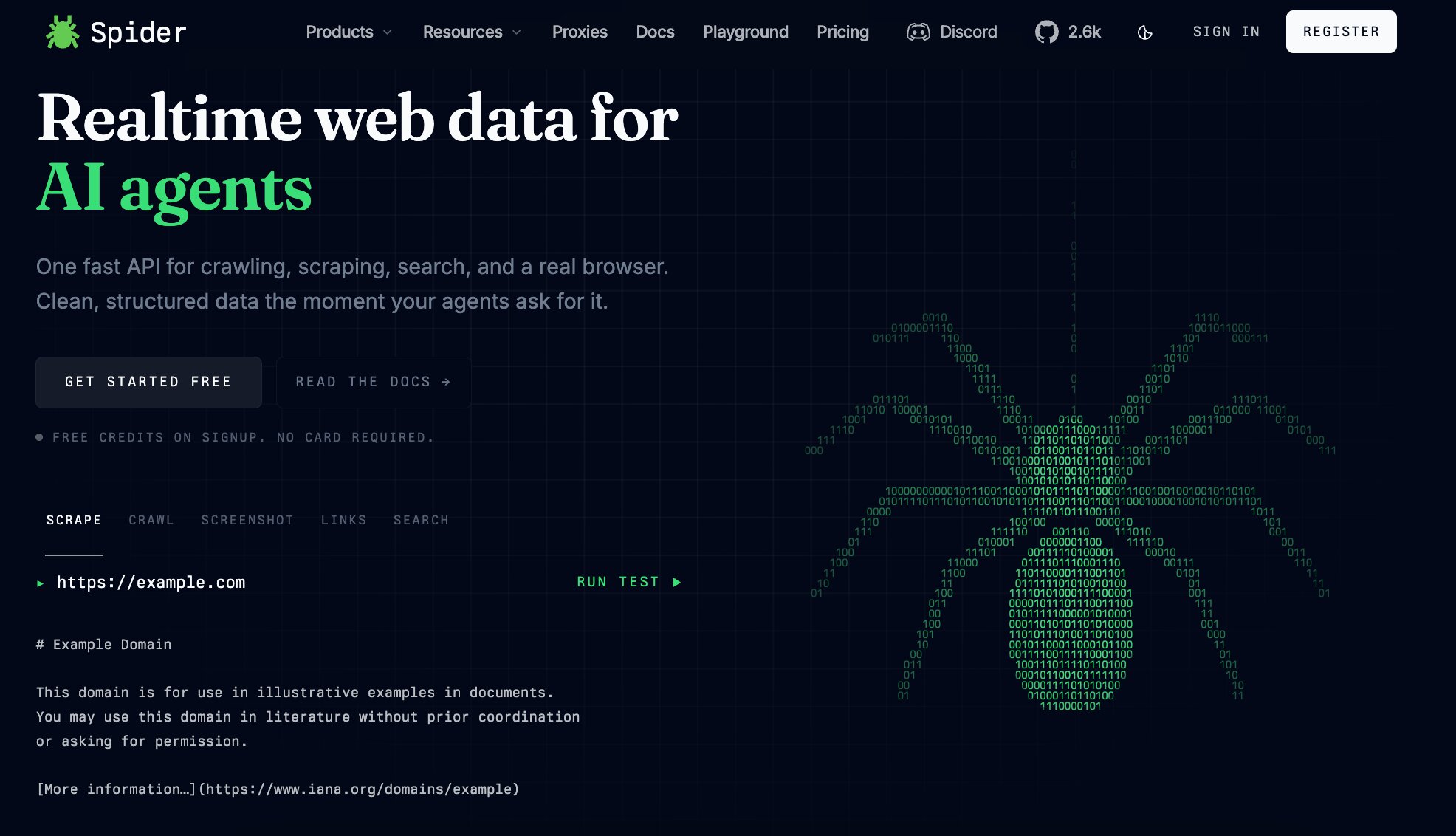
Most technical SEO audits stop at static reports. They tell you what is broken today, but they do not prepare your data for what AI agents will do tomorrow. Spider treats the web as a live database rather than a collection of pages. It structures web data specifically for Retrieval-Augmented Generation (RAG) systems, ensuring that AI models can access accurate, up-to-date information without hallucinating from outdated caches.
Spider functions as an infrastructure layer for AI agents. Instead of relying on fragile HTML parsing that breaks when a site updates its layout, Spider uses natural language to crawl, scrape, and search. Its One API renders pages, extracts relevant content, and returns structured data that LLMs can consume directly. This approach reduces the noise that typically plagues AI-driven research, allowing agents to focus on insights rather than cleaning messy DOM trees.
By integrating Spider into your technical SEO workflow, you bridge the gap between traditional crawling and modern AI consumption. While standard tools map your site's structure, Spider maps its meaning. This distinction is critical for RAG applications, where the quality of the retrieved context determines the quality of the generated answer. As noted on their official site, Spider is designed to be the web data infrastructure for AI, handling the heavy lifting of live web extraction Spider.
Implementing this layer means your audit data is not just a snapshot for human review. It becomes a dynamic asset that powers autonomous agents. When your SEO data is structured for AI, you future-proof your technical strategy against the shift toward agentic search.
Checklist for AI crawler setup
Before launching an AI site crawling tool, you must align configuration with technical standards and legal boundaries. Misconfigured crawlers can overload servers or violate privacy laws, triggering immediate blocks from hosting providers or search engines. This checklist ensures your crawler respects robots.txt directives and handles data responsibly.
Configure the crawler to read and respect your site’s robots.txt file. This file tells AI bots which pages to index and which to exclude. Ignoring these directives can lead to server penalties or legal action, as noted in IEEE Spectrum’s analysis of the growing battle over web crawling access.
Define a maximum number of requests per second to prevent server overload. Start with a conservative rate, such as one request per second, and monitor server response times. If latency increases, reduce the rate immediately to maintain site stability.

Block the crawler from accessing sensitive pages like user dashboards, payment portals, or internal admin areas. Use URL patterns to exclude paths containing /admin/, /login/, or /api/private/. This prevents accidental exposure of personal data or proprietary information.
Set a unique User-Agent string that identifies your AI tool. This allows server logs to track activity and makes it easy to block malicious or misbehaving bots if needed. Avoid generic user-agents like Mozilla/5.0 to ensure transparency.
FAQ about AI site crawling
Quick checklist
-
Match the sizeMake sure the AI site crawling option fits your household, storage space, and normal batch size.
-
Check the materialChoose a material that handles heat, washing, and regular use without becoming a chore.
-
Plan the cleanupAvoid anything that needs more maintenance than you are likely to give it.
-
Keep one fallbackHave a simple backup option for rushed days.
No comments yet. Be the first to share your thoughts!