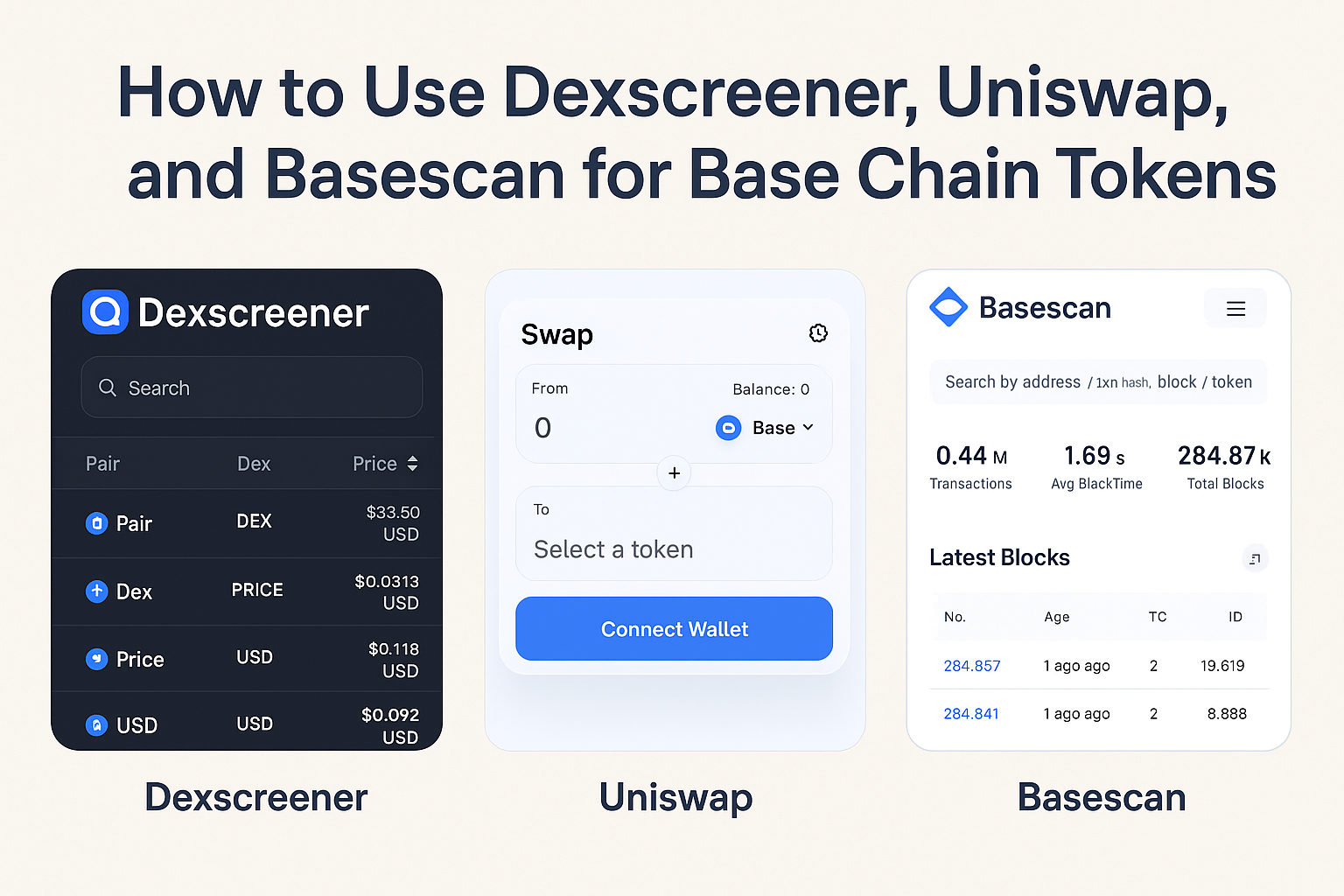
Whether you’re a seasoned Base chain explorer or just dipping your toes into the world of on-chain analytics, navigating the Base ecosystem requires the right set of tools. With new tokens launching daily and liquidity shifting at a rapid pace, staying ahead means knowing where to look, how to trade, and how to verify what’s actually happening on-chain. In this guide, I’ll walk you through three indispensable resources: Dexscreener for real-time token analytics, the Uniswap Interface for Base for seamless swaps and liquidity provision, and Basescan, your gateway to transaction transparency on the Base network.
Why These Three Tools Matter for Every Base User
The explosion of activity on Coinbase’s Base L2 has made it both exciting and overwhelming to track new tokens, assess their legitimacy, and execute trades with confidence. Here’s why this curated trio is essential:
- Dexscreener provides up-to-the-second price charts, liquidity data, and trading volumes for every token pair on Base—crucial for spotting trends and avoiding rug pulls.
- Uniswap Interface for Base is your go-to DEX for swapping tokens or adding liquidity pools right from your browser.
- Basescan Block Explorer lets you verify transactions, contract addresses, and wallet activity—an absolute must before making any move with real assets.
Navigating Dexscreener: Real-Time Analytics at Your Fingertips
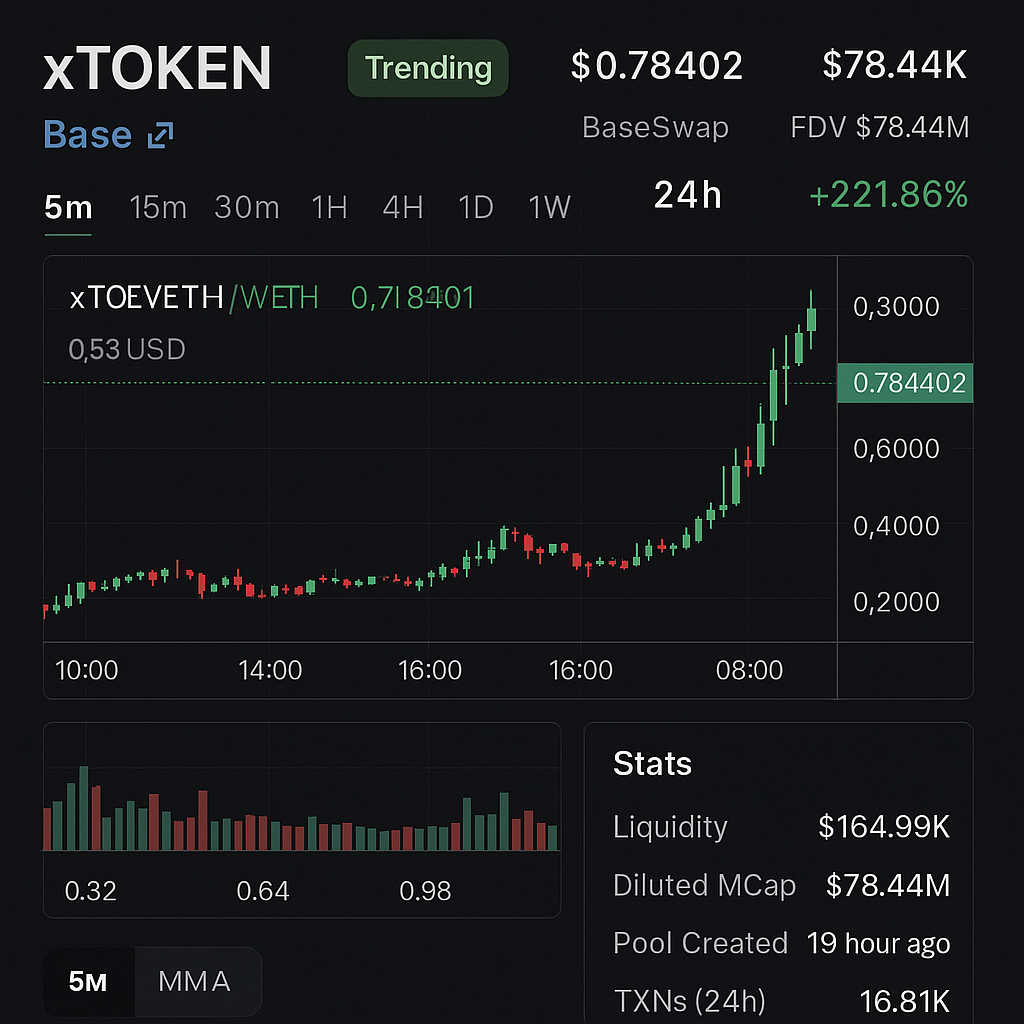
If you’re hunting for that next 100x gem—or just want to avoid getting dumped on—Dexscreener’s Base dashboard should be your first stop. The platform aggregates live price feeds from all major DEXes on Base, displaying candlestick charts alongside vital stats like market cap, pooled ETH (or USDC), number of holders, recent trades, and even contract safety checks.
The beauty of Dexscreener is in its transparency: you can instantly see if a token has locked liquidity (reducing rug risk), track whale buys/sells in real time, or filter by newly launched pairs. For traders who thrive on speed and data-driven decisions, it’s indispensable.
[tweet: A tweet discussing how Dexscreener helps spot new meme coins early on Base]Swapping & Providing Liquidity with Uniswap Interface for Base
The next step after discovering an interesting token? Actually trading it—or even becoming a liquidity provider. The Uniswap Interface for Base makes this process intuitive. Connect your wallet (MetaMask or WalletConnect are both supported), select your trading pair, review slippage settings (crucial during volatile launches), and execute the swap in one click.
For those willing to earn fees by providing liquidity (LP), Uniswap also enables you to deposit equal values of two tokens into a pool. This not only helps facilitate trades but can also generate passive income—though always check pool details carefully before committing funds.
Basescan: Your On-Chain Detective Tool
No matter how attractive a token looks on Dexscreener or how smooth the swap experience is on Uniswap’s interface, nothing replaces verifying details directly at the source. That’s where Basescan Block Explorer comes in—a robust tool similar to Etherscan but tailored specifically for Base.
Basescan allows you to:
- Check contract addresses before interacting with any token.
- Review transaction histories—are there suspicious minting patterns or massive insider transfers?
- Track wallet balances and recent activity across all dApps running on the network.
This level of transparency is non-negotiable when dealing with high-risk assets like meme coins or fresh launches that haven’t been thoroughly audited yet. If something seems off in Basescan—such as mismatched contract addresses or unverified code—it usually pays to walk away.


No comments yet. Be the first to share your thoughts!