Bridging USDC from Coinbase to Base is becoming a core skill for crypto users seeking fast, low-cost transactions on the Base chain. As of July 2025, Coinbase has streamlined this process, making it accessible even for those new to bridging or the Base ecosystem. If you want to move your stablecoins efficiently and avoid unnecessary fees, understanding each step is essential for both security and savings.
Why Bridge USDC from Coinbase to Base?
Base is designed for high-speed, low-fee transactions, making it ideal for DeFi, NFT minting, and memecoin trading. However, USDC held on Coinbase’s main exchange lives on Ethereum or other supported networks by default. To access dApps or liquidity pools on Base, you must bridge your USDC from Ethereum (or another supported chain) onto Base.
This process isn’t just about convenience, it’s about unlocking access to a growing range of decentralized applications that only exist on Base. With zero-fee USDC transfers available through Coinbase Wallet’s Simple Mode (see CoinCodex), users can take advantage of efficient transfers without worrying about extra costs.
Step-by-Step: How to Bridge USDC from Coinbase to Base (2025)
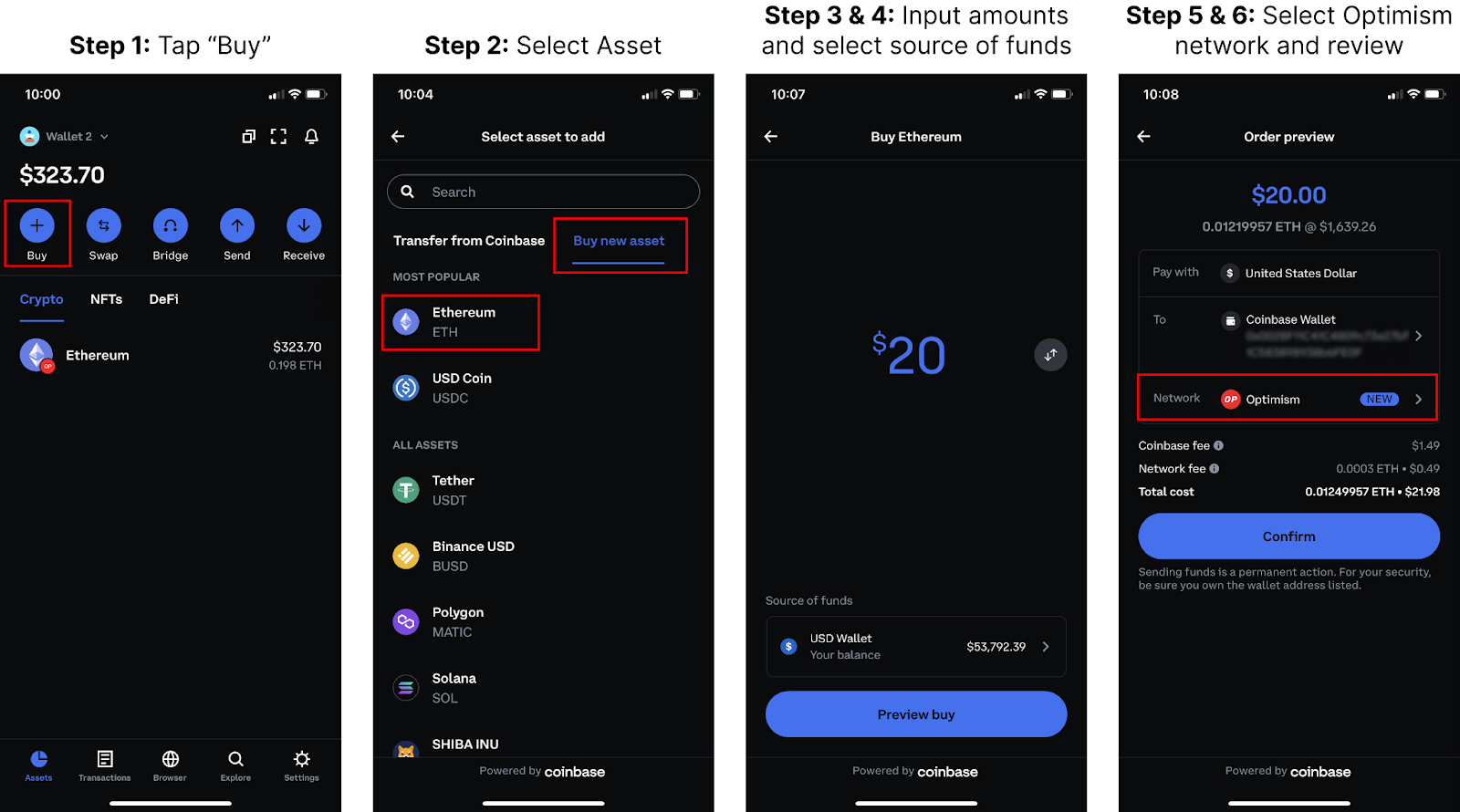
How to Bridge USDC from Coinbase Wallet to Base: A Visual Step-by-Step Guide (2025)
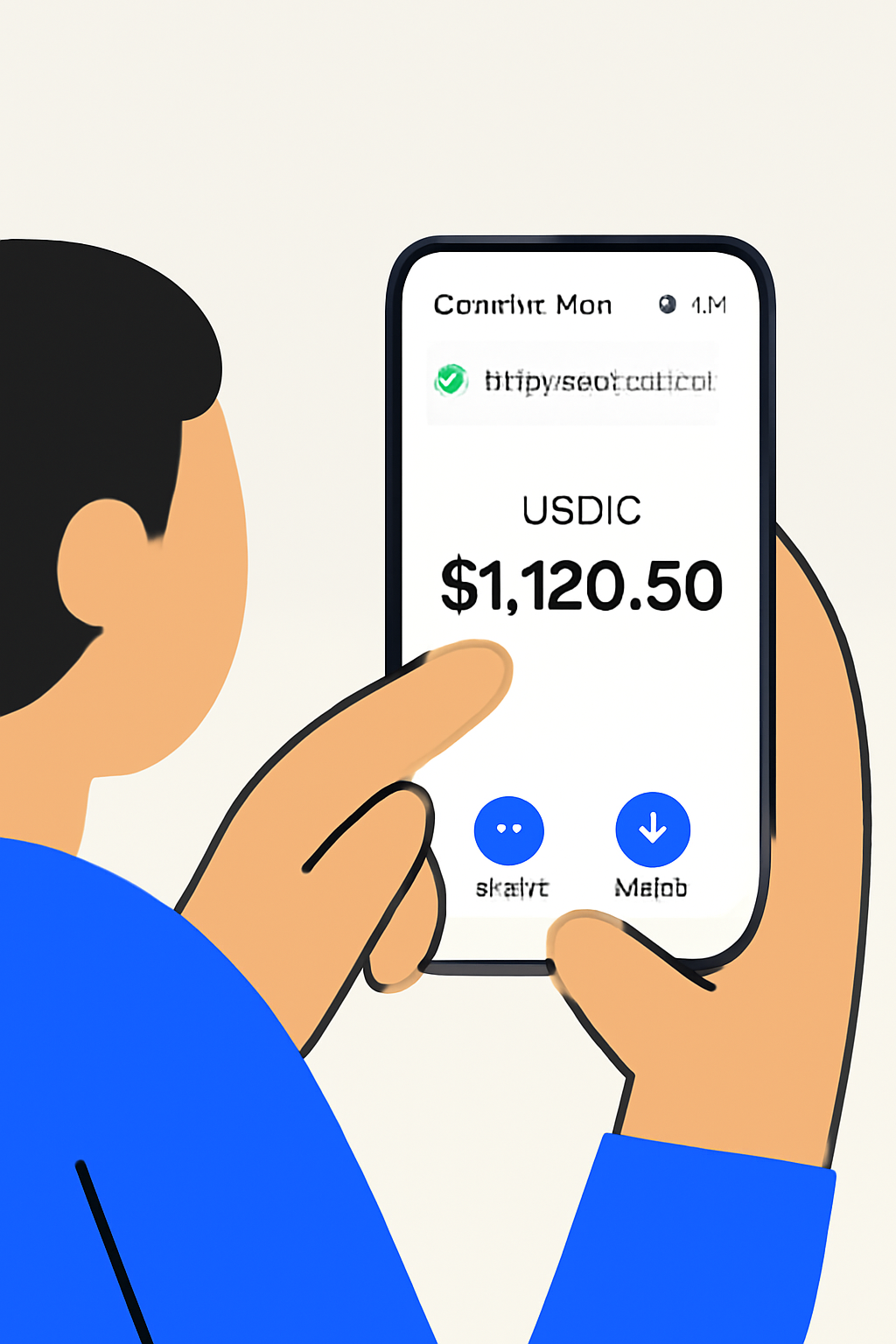
The process is straightforward if you follow each phase carefully:
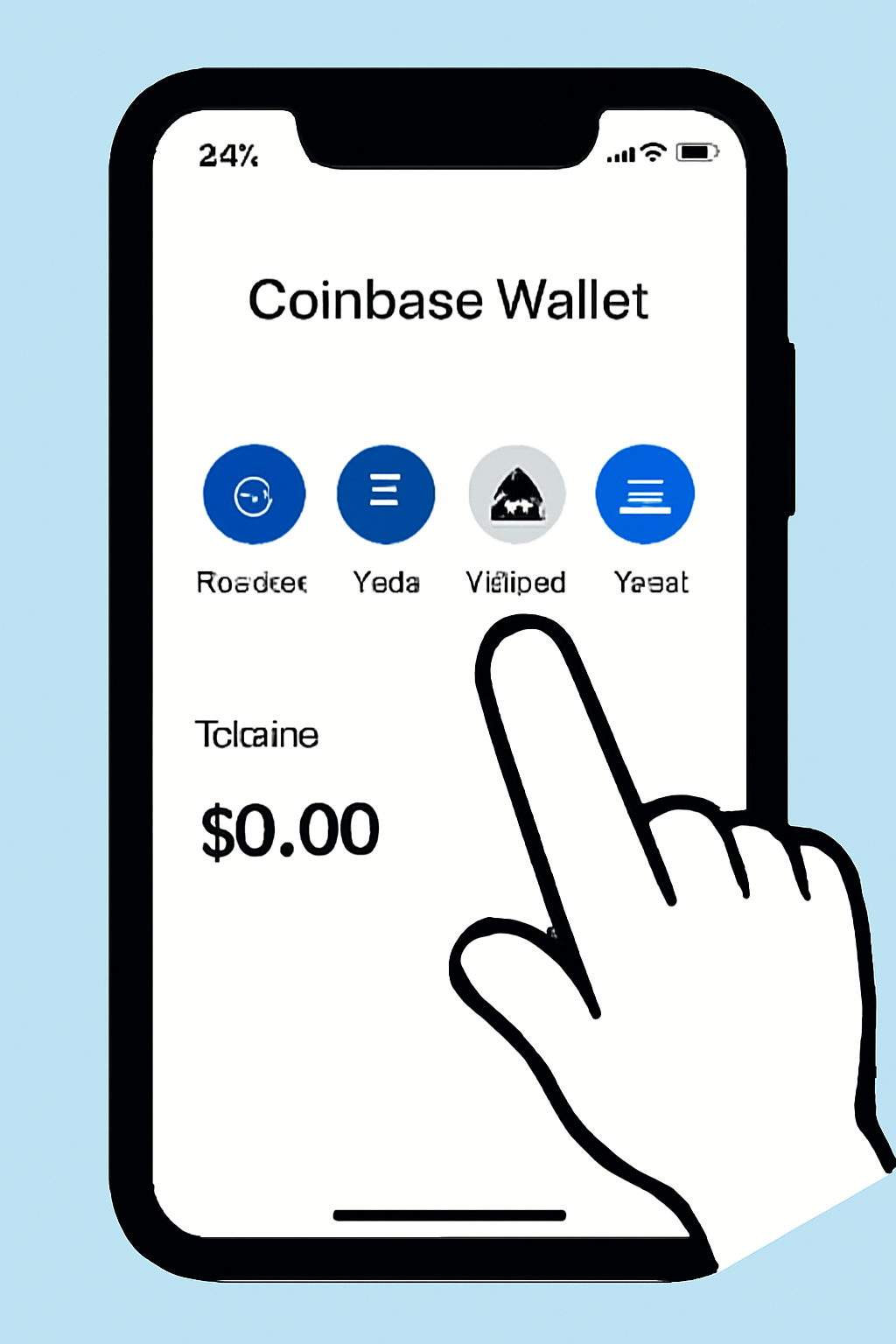
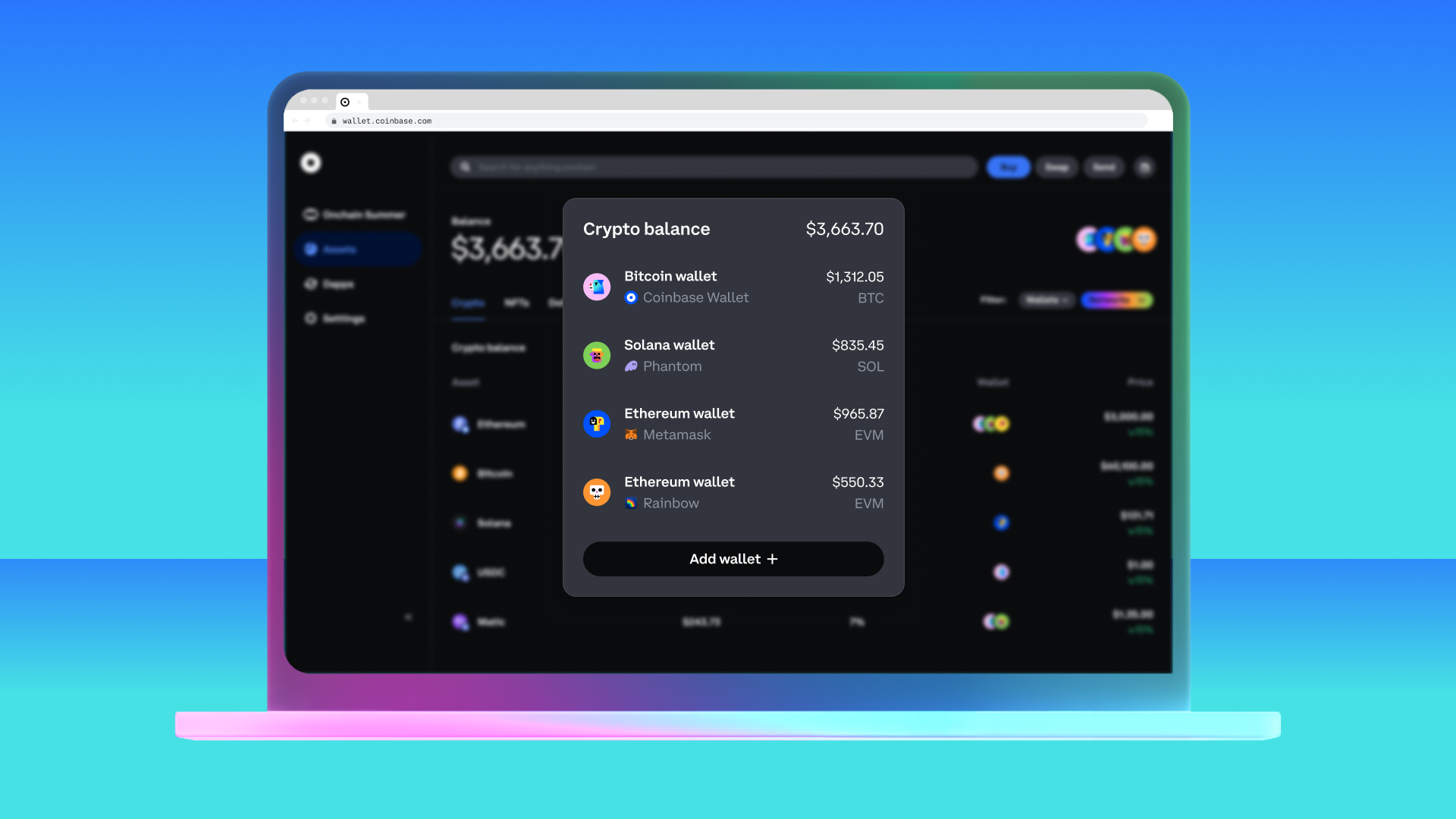
- Set up your Coinbase Wallet: This is a self-custody wallet distinct from your main exchange account. Download it for iOS or Android and create a secure backup of your recovery phrase.
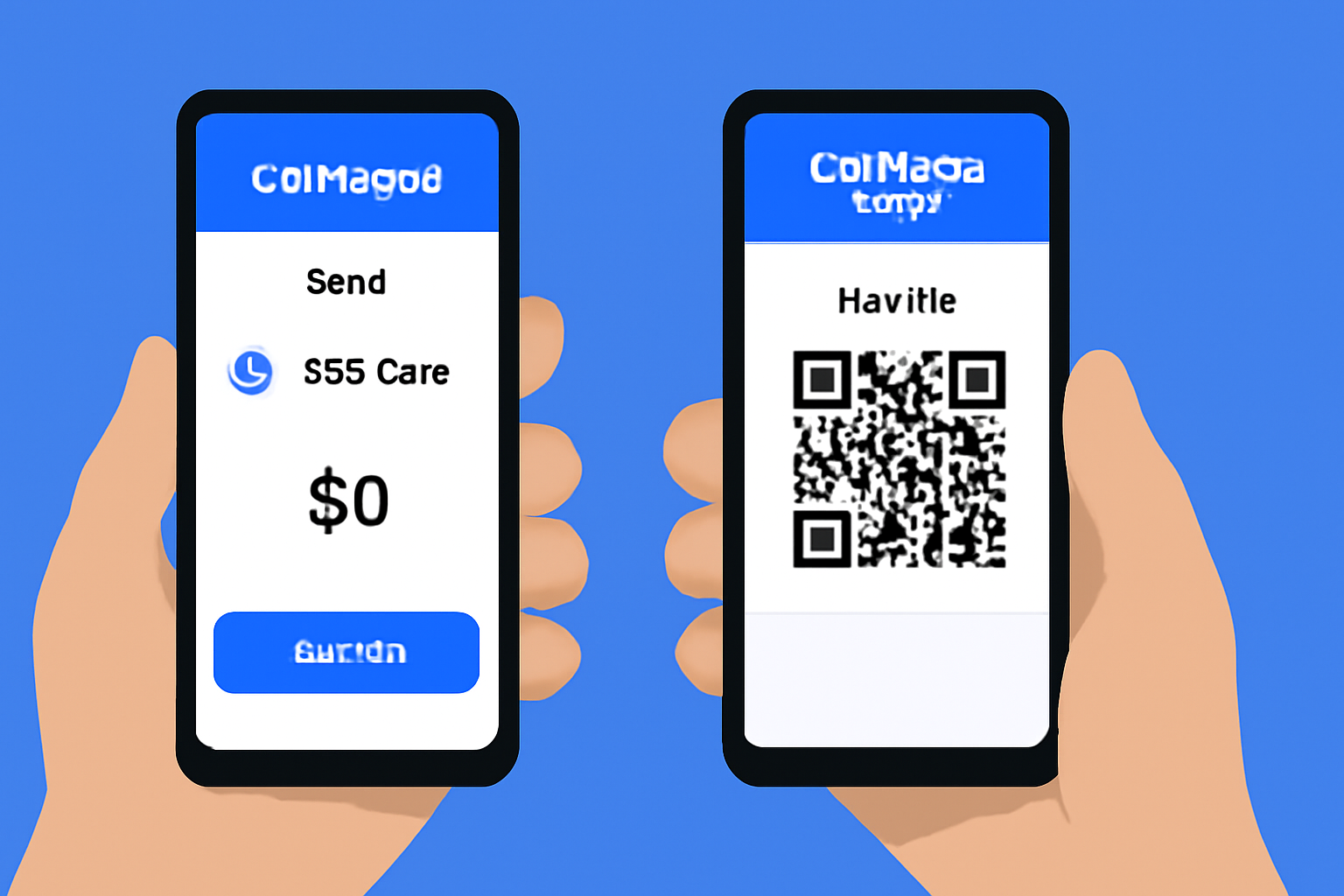
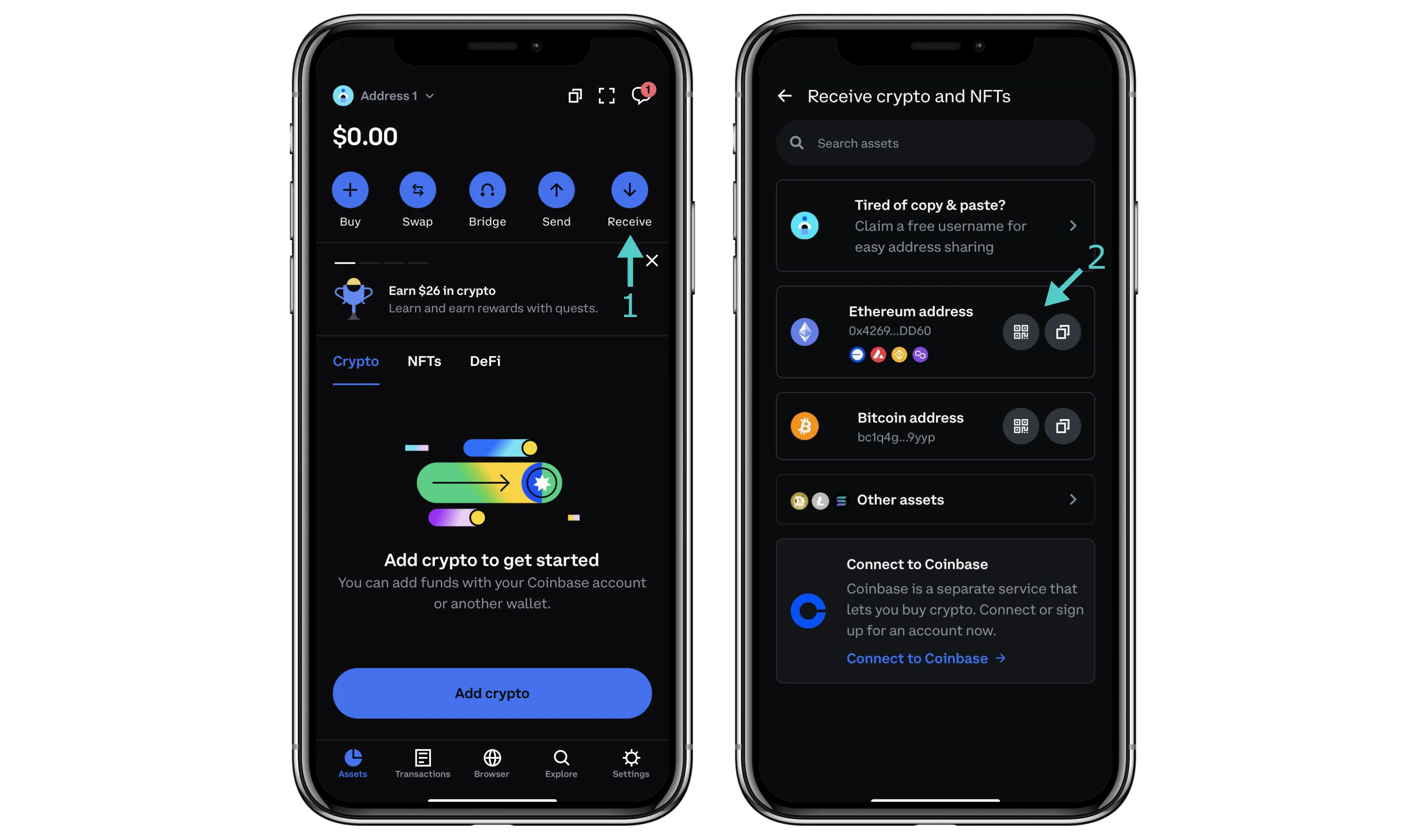
- Transfer USDC from Exchange to Wallet: Move funds by selecting USDC in the Coinbase app, tapping 'Send, ' and inputting your wallet address (found in the Wallet app under 'Receive').
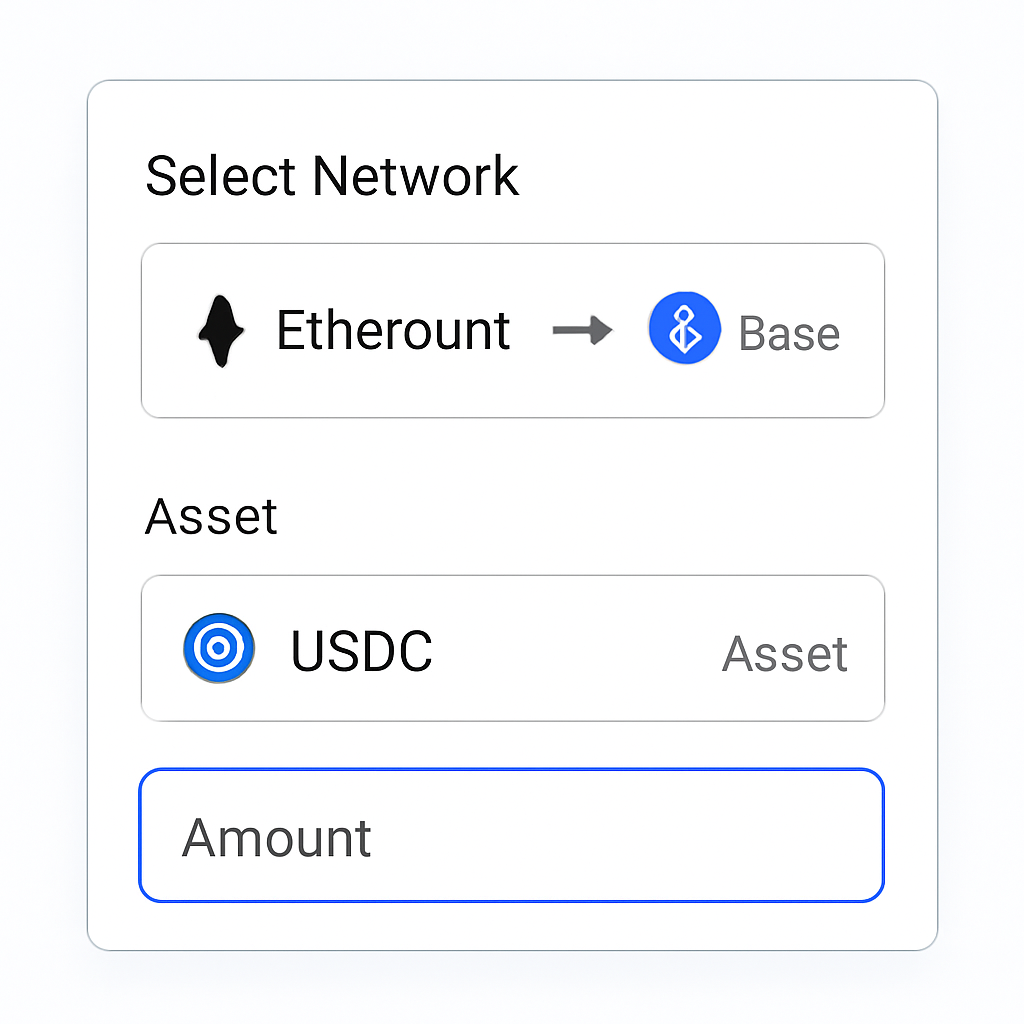
- Bridge via the Wallet App: Once funded, open the bridge feature in Coinbase Wallet. Select 'Ethereum' as the origin and 'Base' as the destination network. Choose USDC as your asset and enter the desired amount.
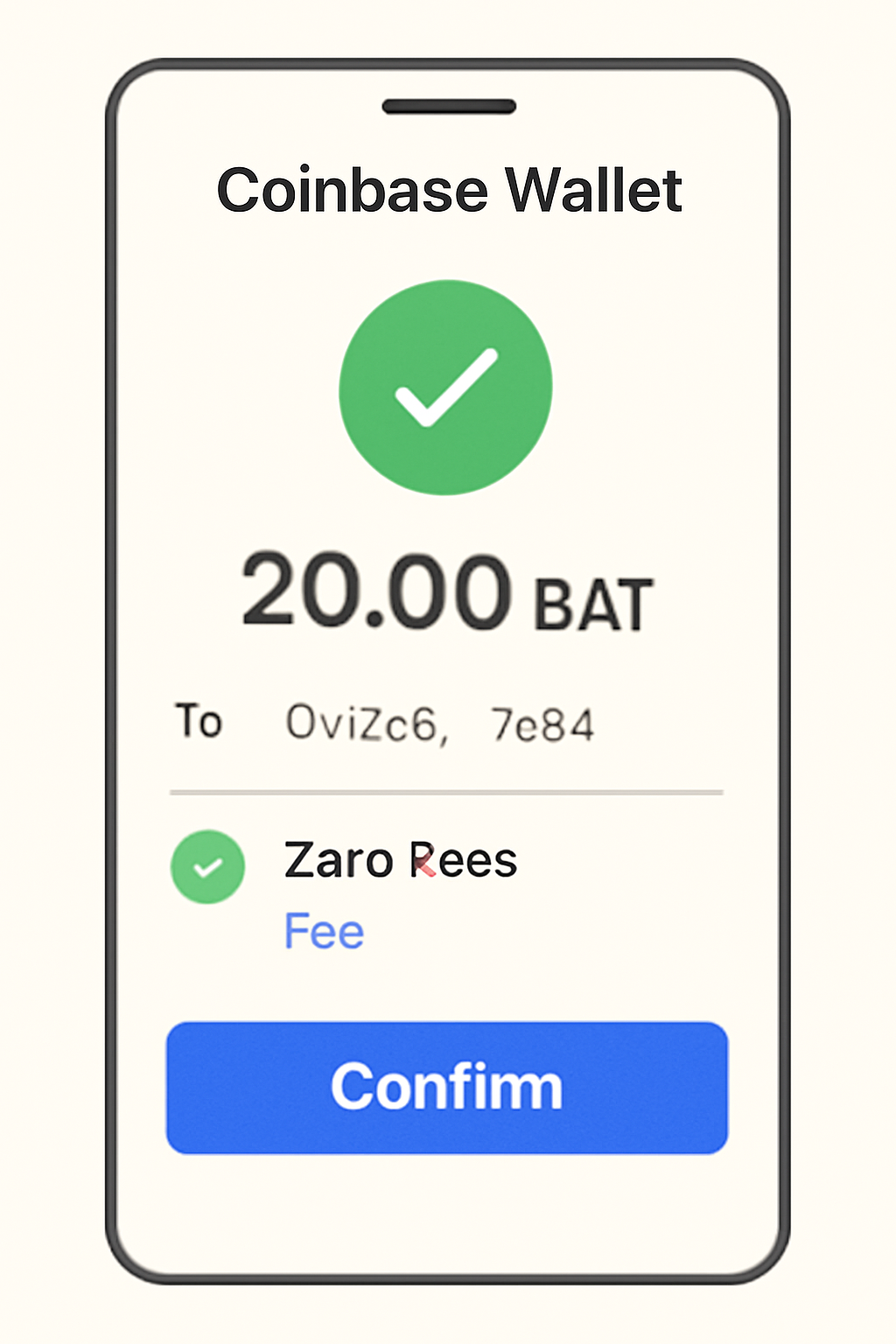
The interface will display estimated fees, currently zero when using Simple Mode, and expected transaction times before you confirm.
The Reality of Fees on the Base Chain Bridge in 2025
No one wants surprises when it comes to crypto fees. As of mid-2025, bridging USDC via Coinbase Wallet’s Simple Mode incurs zero transfer fees, a significant advantage over many third-party bridges that still charge gas or service costs. However, always check fee estimates before confirming any transaction; fee policies can change if network conditions shift or if you use advanced features outside Simple Mode.
Key Benefits of Bridging USDC with Coinbase vs Third-Party Bridges
- Zero Fees with Coinbase Wallet Simple Mode: Bridging USDC from Ethereum to Base using the Coinbase Wallet app's Simple Mode incurs no additional transfer fees, making it more cost-effective than many third-party bridges that often charge a service fee or higher gas costs.
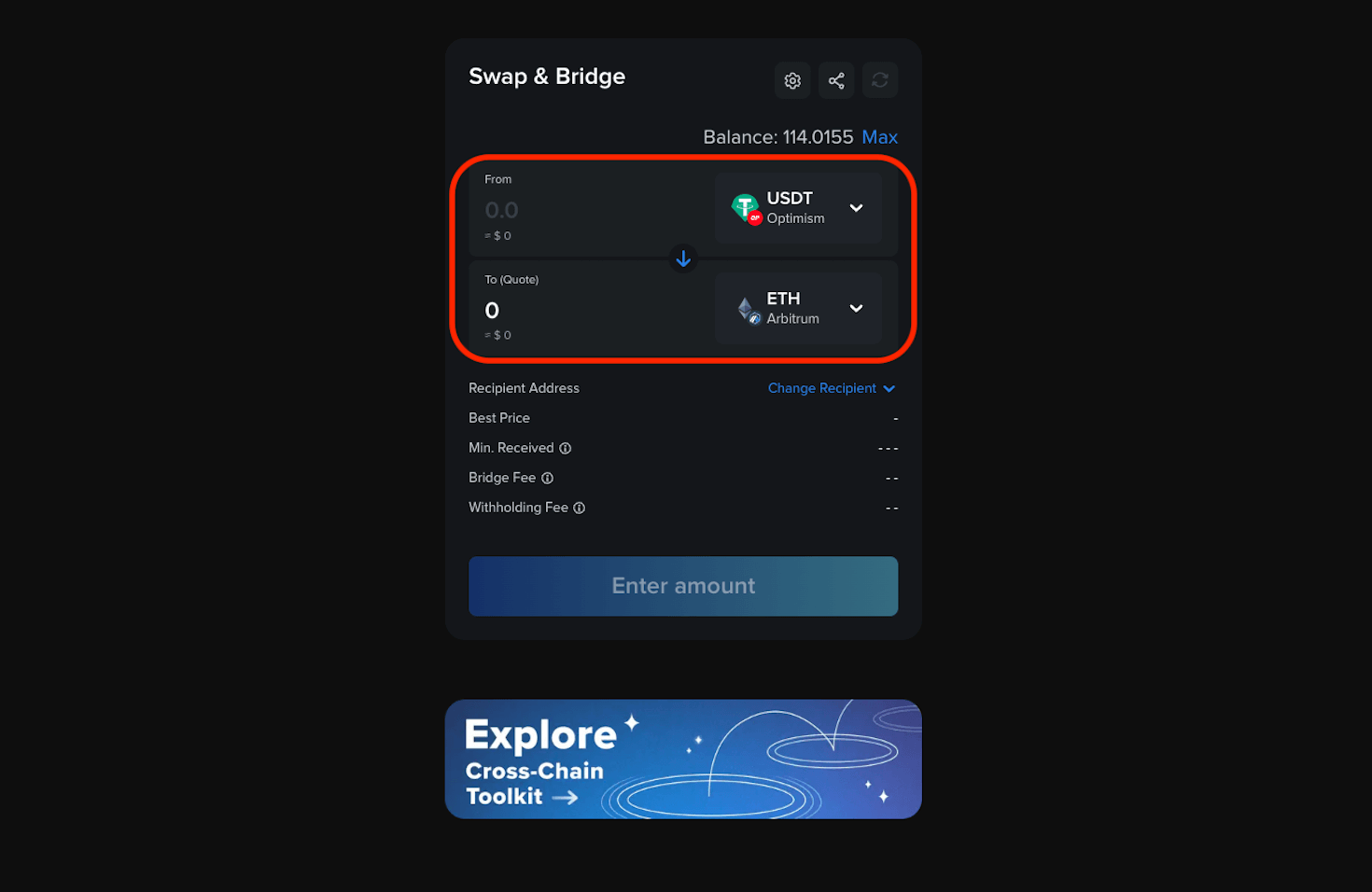
- Streamlined User Experience: The Coinbase Wallet offers a seamless, integrated bridging process directly within the app, reducing complexity and minimizing the risk of errors compared to some third-party bridges that require multiple steps or external websites.
- Enhanced Security and Trust: Bridging through Coinbase leverages the security standards and reputation of a major, regulated crypto company, while some third-party bridges may pose higher risks due to smart contract vulnerabilities or less oversight.
- Fast Transaction Completion: Coinbase’s bridge typically completes USDC transfers to Base within a few minutes, while some third-party bridges may experience longer wait times, especially during periods of high network congestion.
- Direct Support and Updates: Users benefit from Coinbase’s customer support and timely updates regarding bridging features and network changes, which may not be as reliable or responsive with smaller third-party bridge providers.
Security Tips Before You Bridge
Your funds are only as safe as your habits. Double-check wallet addresses before sending any assets, phishing attacks remain common in the crypto space. Only use official apps downloaded directly from verified sources. Never share your recovery phrase with anyone or enter it into unfamiliar websites claiming to offer bridge services.
Once your USDC is successfully bridged to Base, the funds are immediately available for use across Base-native dApps, DeFi protocols, and even emerging memecoins. The seamless nature of this process is a key reason why more users are adopting Base for everyday crypto activities. If you need to move assets back to Ethereum, note that as of July 2025, Coinbase Wallet will support bridging from Base back to Ethereum by mid-August, so plan accordingly if you anticipate needing to exit the Base ecosystem soon (Coinbase Wallet).
What Happens After You Bridge?
After bridging, you’ll see your USDC balance reflected on the Base network within Coinbase Wallet. This unlocks fast access to swaps on decentralized exchanges (DEXes), NFT purchases, and participation in new DeFi projects launching exclusively on Base. Because transaction fees on Base are typically much lower than Ethereum mainnet, your capital goes further, especially for frequent traders or those experimenting with new apps.
Top Use Cases for USDC on Base in 2025
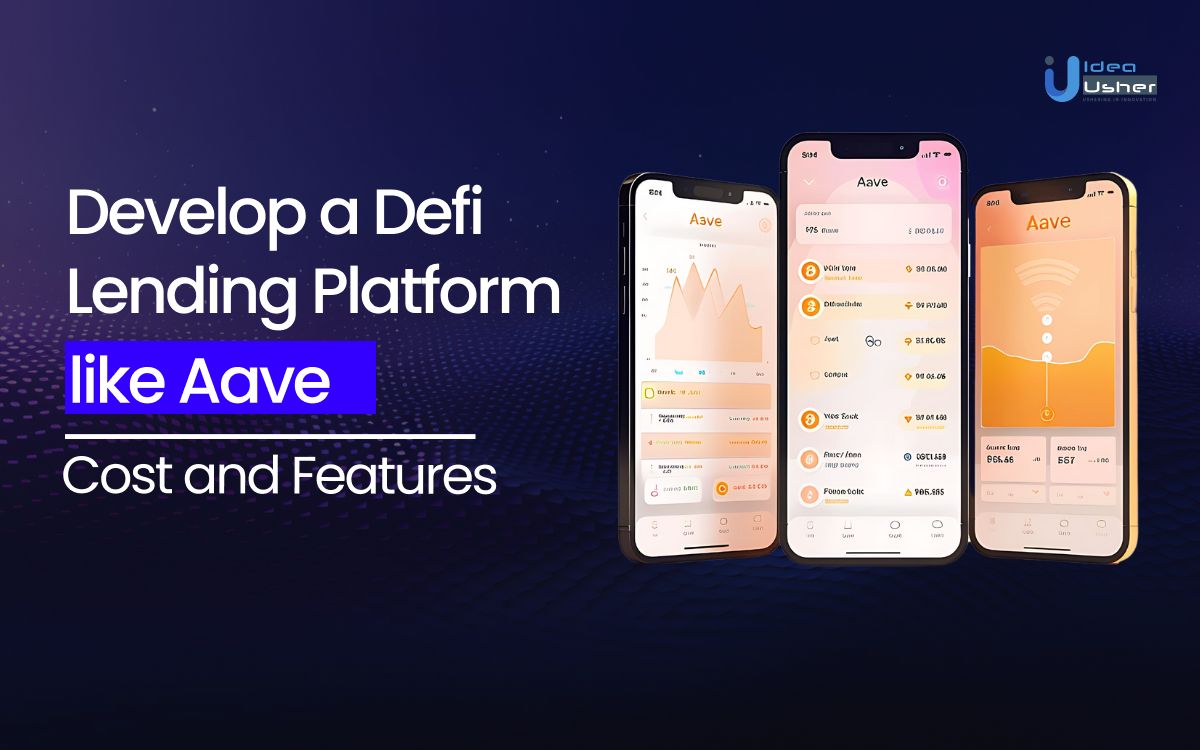
- DeFi Lending & Borrowing: Platforms like Aave and Compound on Base allow users to lend or borrow USDC, earning interest or leveraging assets efficiently with low fees.
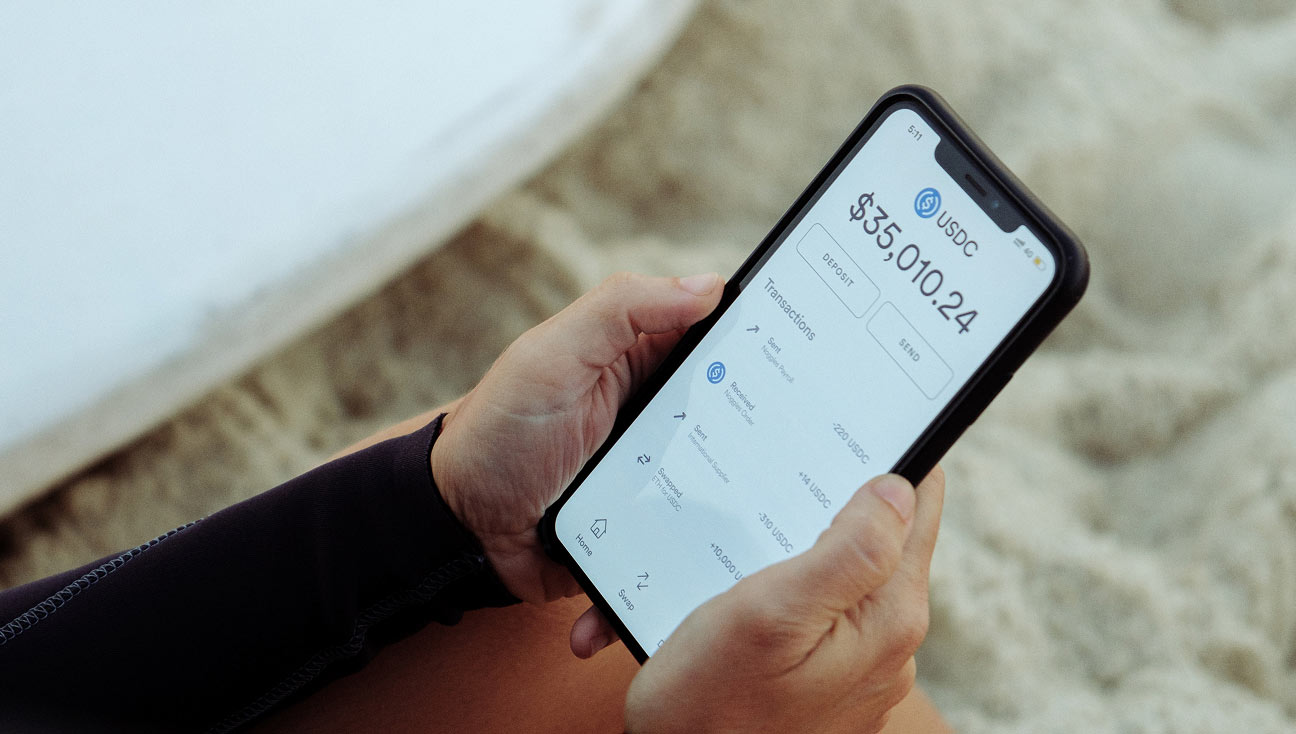
- Stablecoin Payments & Transfers: USDC on Base is widely used for fast, low-cost peer-to-peer payments and business transfers, taking advantage of near-zero transaction fees.
- Trading on Decentralized Exchanges (DEXs): Major DEXs such as Uniswap and Aerodrome on Base enable seamless USDC swaps with other tokens, supporting active trading and liquidity provision.
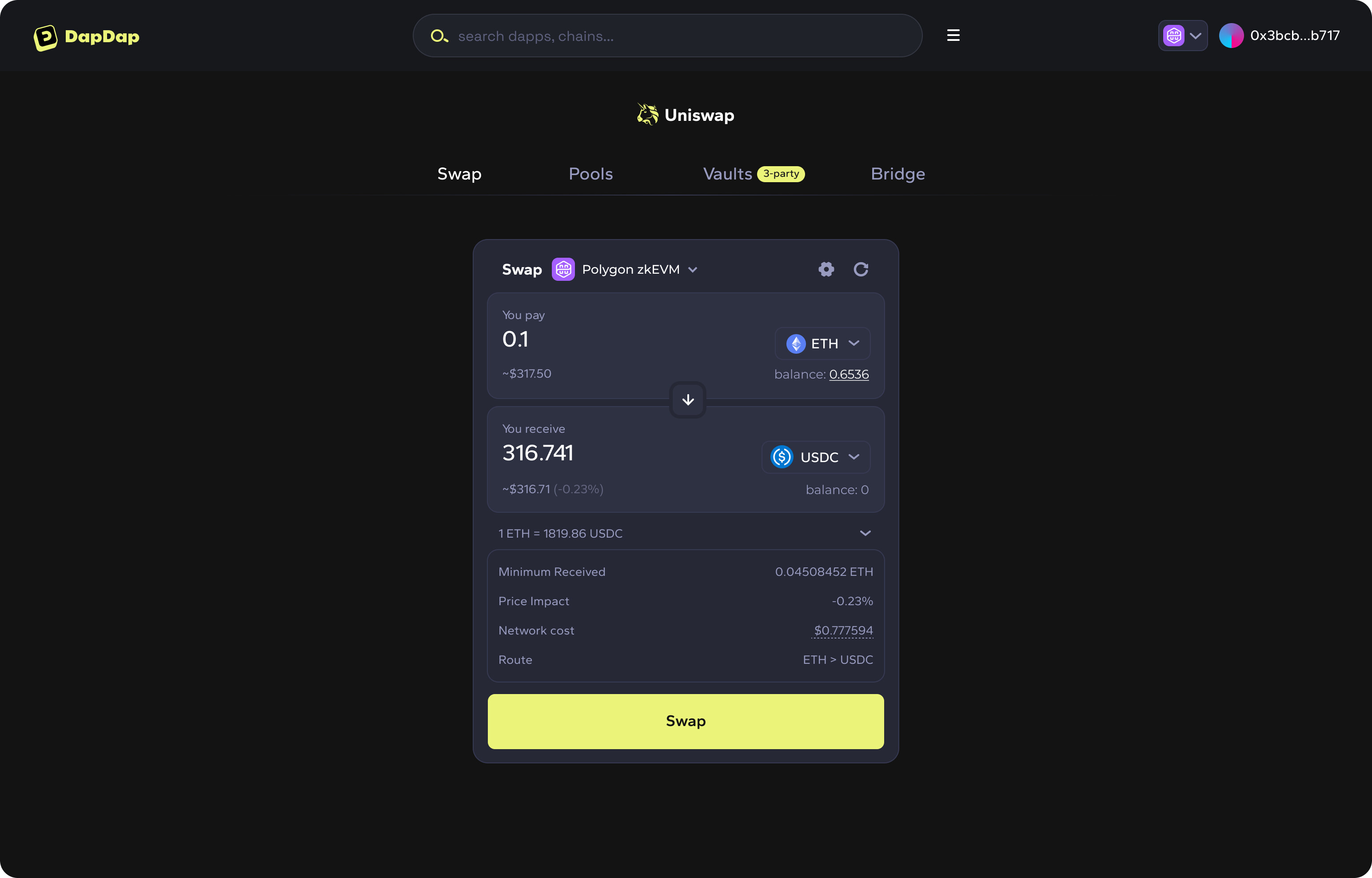
- NFT Purchases & Marketplaces: USDC bridged to Base is increasingly accepted for buying, selling, and minting NFTs on platforms like OpenSea and BasePaint, offering stable pricing and low transaction costs.

- Onchain Gaming & Rewards: Many blockchain games and reward platforms on Base use USDC for in-game purchases, prize payouts, and ecosystem incentives due to its stability and ease of transfer.

Pro tip: If you’re participating in liquidity pools or staking programs on Base, always verify that the protocol supports native USDC (not a wrapped or synthetic version) to avoid compatibility issues and unnecessary conversions.
Troubleshooting: Common Issues When Bridging
Even with a smooth interface, users occasionally encounter snags. Here’s how to handle the most frequent problems:
- Delayed transactions: Network congestion can cause delays beyond the usual few minutes. Always check transaction status within Coinbase Wallet before retrying.
- Wrong network selected: Double-check that both ‘From’ and ‘To’ networks are set correctly. Sending assets to an incompatible chain can result in lost funds.
- Mismatched wallet addresses: Only use addresses generated by your own Coinbase Wallet app. Never copy addresses from third-party sources.
The Future of Low-Fee Crypto Transfers
The zero-fee policy for USDC transfers on Base via Coinbase Wallet’s Simple Mode is a game-changer, especially compared to legacy bridges with unpredictable gas costs. As more protocols integrate with Base and cross-chain activity grows, expect ongoing improvements in speed and reliability. Still, always confirm fee details at each step; while zero-fee is standard now, policies may adapt as demand increases or if network upgrades occur.
If you’re looking for an efficient way to move stablecoins between chains without burning capital on fees, mastering how to bridge USDC from Coinbase to Base puts you ahead of the curve. Stay updated by following official documentation at Base.org, and consider joining community channels for real-time support if needed.




No comments yet. Be the first to share your thoughts!